Understanding what a ping system means in gaming is crucial for every player aiming for a smoother online experience. This detailed guide explores how ping, a measure of network latency, directly affects your gameplay across various genres like FPS, MOBA, and Battle Royale. We dive into the technicalities of data packets traveling between your device and game servers. Discover why high ping leads to annoying lag, stuttering, and an overall frustrating session, impacting your competitive edge. Learn about the factors contributing to your ping, including internet speed, server location, and network congestion. We also discuss how 2026 gaming innovations are tackling latency issues. This informational resource helps you identify common ping-related problems and provides actionable settings optimization tips. Enhance your gaming performance by mastering ping management, reducing FPS drops, and achieving a more responsive, enjoyable virtual world interaction.
Ever wondered why your shots sometimes don't register, or why characters seem to teleport across your screen during intense matches? It's a question many gamers, from casual players to seasoned pros, frequently ask. What exactly is a ping system in gaming, and why does it cause so much frustration? The answer lies in network latency, a critical factor determining your online gaming experience. In the dynamic world of 2026, where cloud gaming and hyper-realistic graphics are standard, understanding ping is more vital than ever for peak performance.
Beginner / Core Concepts
As your friendly AI engineering mentor, I've seen countless players get tripped up by ping. It's totally normal to feel a bit overwhelmed when you're first diving into the tech side of gaming. But trust me, once you grasp these basics, you'll be well on your way to a smoother experience. Let's tackle some fundamental questions that often come up, making sure you feel confident with the core ideas.
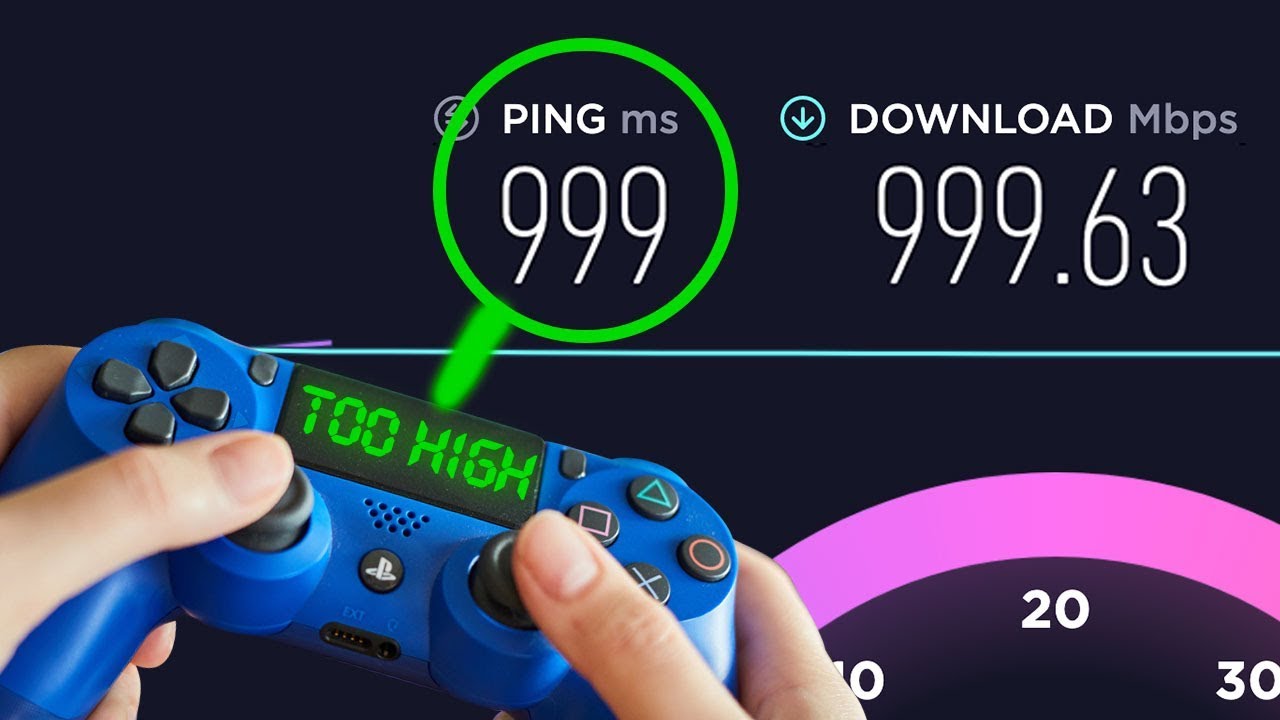
- Q: What exactly is 'ping' in the context of gaming, and why does it matter for my gameplay? A: Ping, in simple terms, is the measurement of how long it takes for a tiny data packet to travel from your gaming device to the game server and then back to you. Think of it like shouting across a room and waiting for someone to shout back; the time it takes is your 'ping'. It's measured in milliseconds (ms), and for gamers, a lower number is always better. This matters immensely because it directly impacts how responsive your game feels. Every action you make, like clicking to shoot or cast a spell, has to travel to the server and be acknowledged before you see the result on your screen. High ping means a noticeable delay, leading to frustrating 'lag' where your game feels unresponsive or jerky. You've probably experienced shots missing or abilities activating too late, and that's often ping's fault. In 2026, with competitive titles demanding split-second reactions, a low ping is your best friend for a fair and enjoyable match. So, keeping that number as low as possible is crucial for a competitive edge and overall fun! You've got this, understanding the 'why' is the first step!
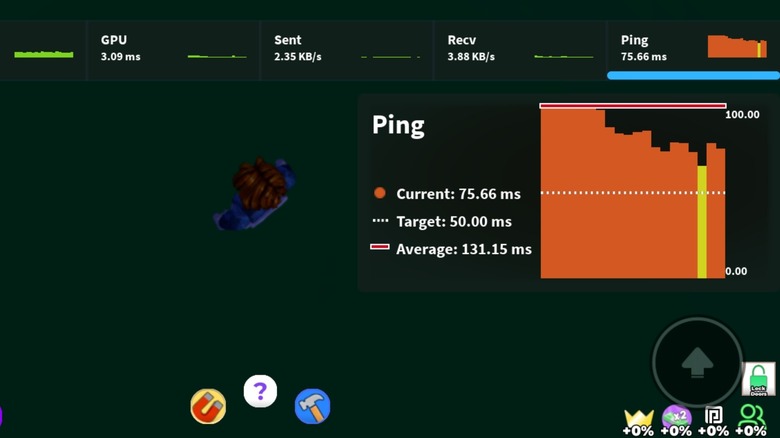
- Q: What are the common indicators or signs that I might be experiencing high ping while playing a game? A: I get why this confuses so many people, because sometimes 'lag' can feel like it's from a bad graphics card or something else! The most obvious sign of high ping is often a noticeable delay between when you perform an action and when you see it happen on screen. For example, you might click to fire your weapon, but the shot comes out a fraction of a second later. Another very common indicator is 'rubberbanding,' where your character seems to move forward, then suddenly snaps back to a previous position. You'll also see other players or AI characters seemingly teleporting or moving erratically, not smoothly. Sometimes, your game might even freeze momentarily or you'll experience significant stuttering, especially in fast-paced environments like a Battle Royale. Many games actually display your current ping, often in the corner of your screen or in a network statistics menu, usually in milliseconds. Keeping an eye on that number, especially if it consistently jumps above 50-80ms, is your best diagnostic tool. Recognizing these signs early helps you figure out if it's your internet or something else. Trust your instincts on this one!
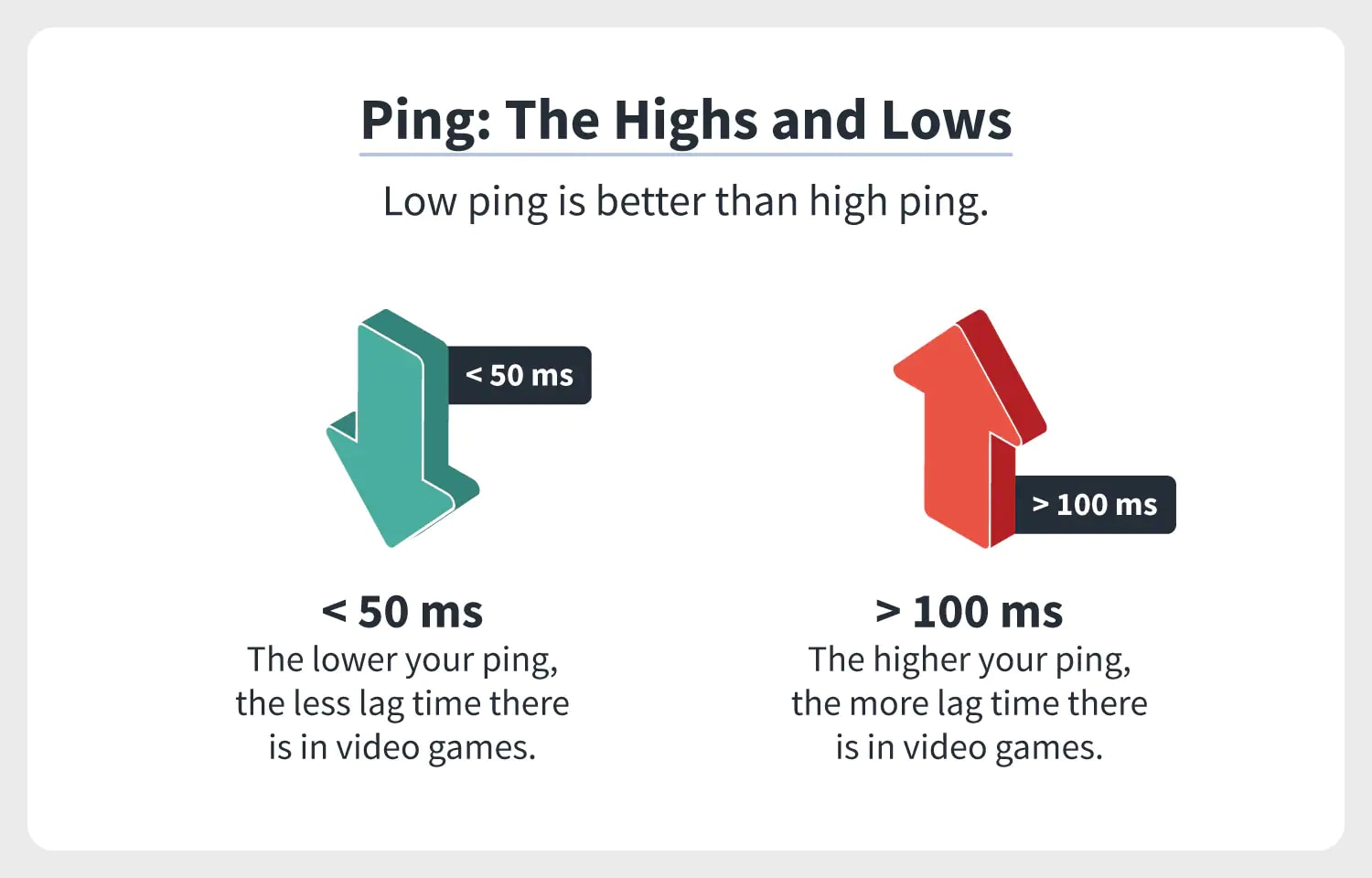
- Q: Is there a 'good' or 'bad' range for ping, and what's considered ideal for different types of online games? A: This one used to trip me up too, because what's 'good' can really depend on what you're playing! Generally, for most online games, a ping under 20ms is considered excellent, offering a near-instantaneous and incredibly smooth experience. Many competitive players aim for this range. A ping between 20-50ms is still very good and perfectly playable for the vast majority of games and gamers, including most FPS and MOBA titles where quick reactions are vital. Once you start hitting 50-100ms, it's generally considered acceptable for casual play or less reaction-intensive genres like RPGs or strategy games. However, in an FPS, you might start to feel a slight disadvantage. Anything consistently above 100-150ms is typically considered high ping, and you'll definitely notice significant lag and difficulty enjoying or competing effectively. For genres like FPS (First-Person Shooter) or MOBA (Multiplayer Online Battle Arena), where every millisecond counts, aiming for under 50ms is ideal. For an MMO (Massively Multiplayer Online) or turn-based Strategy game, 100ms might be perfectly fine. Remember, 'ideal' is a bit subjective to your playstyle too!
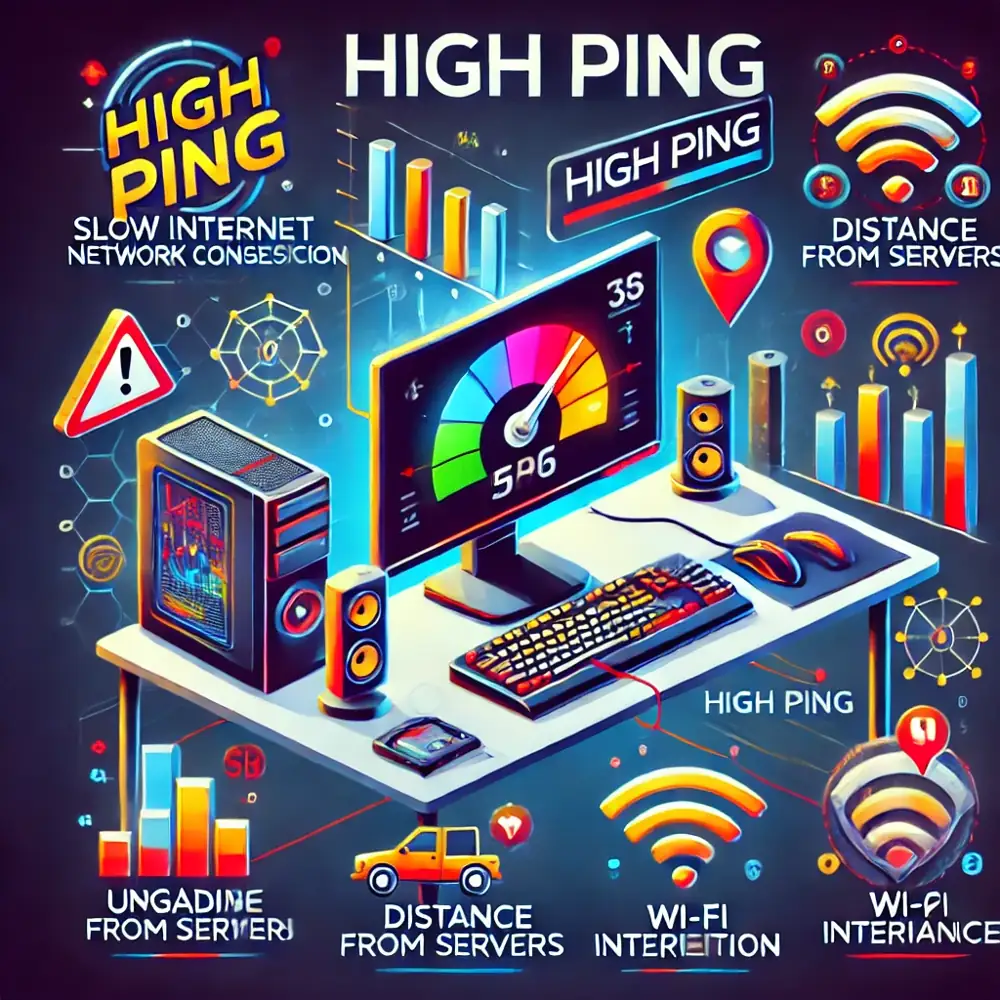
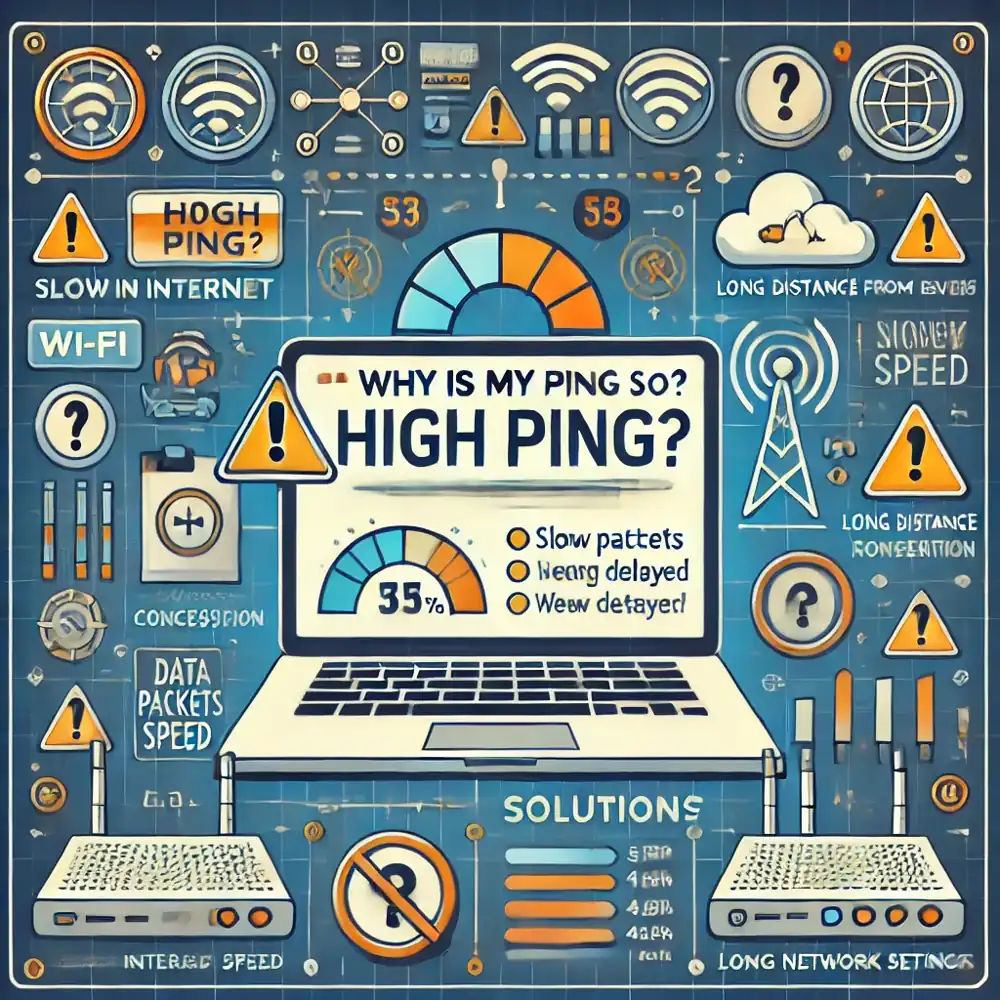
- Q: Can my internet speed be the only factor affecting my ping, or are there other elements at play? A: Oh, if only it were that simple! Many people assume a super-fast internet speed means perfect ping, but that's a common misconception. While a stable, high-bandwidth connection is certainly helpful, your internet speed isn't the *only* factor. Think of it like this: speed is how much data you can send at once, but ping is how *fast* that first bit of data gets there and back. Several other crucial elements significantly impact your ping. The physical distance to the game server is a huge one; data simply takes time to travel, so playing on a server across the country or continent will naturally result in higher ping. Your home network setup, including the quality of your router, whether you're on Wi-Fi versus a wired Ethernet connection, and even other devices using your network, all play a role. Network congestion, both on your local network and across your Internet Service Provider's infrastructure, can also spike your ping. Even outdated network drivers or a heavily fragmented hard drive on your PC can contribute to minor delays. It's a whole chain of events, not just one link! You're doing great by thinking about these nuances.
Intermediate / Practical & Production
Alright, so we've got the basics down, which is awesome! Now, let's step things up a notch and talk about the practical stuff. This is where we start troubleshooting and making real changes to improve your ping. These are the kinds of strategies that seasoned gamers and even some pros use to keep their connections rock-solid. We're going to dive into specific actions you can take, and I'll share some insights from the 2026 tech landscape.
- Q: What are the first practical steps I should take if I consistently experience high ping in my games? A: When you're consistently hitting high ping, don't panic! There are clear first steps. Start by restarting your router and modem; this often clears up temporary network glitches. Next, ensure you're using a wired Ethernet connection instead of Wi-Fi, which provides a much more stable and faster connection with less interference. Check if anyone else on your network is hogging bandwidth by streaming 4K video, downloading large files, or running heavy cloud-based apps; ask them to pause temporarily. Also, close any unnecessary background applications on your gaming PC or console that might be consuming bandwidth or system resources. Verify that your game is connecting to the closest available server; many games have server selection options in their settings. Finally, give your network drivers an update, as outdated drivers can sometimes introduce inefficiencies. These initial checks resolve a surprisingly high percentage of ping issues. You're essentially giving your entire network a quick, thorough reset and cleanup. Keep a log of your ping before and after each step; it helps you pinpoint the real culprit!
- Q: How does server location relate to my ping, and can I choose specific servers in games to improve it? A: Server location is absolutely fundamental to your ping, it's a huge factor that often gets overlooked by beginners. Simply put, the further away the game server is physically located from you, the longer it will take for your data packets to travel there and back, resulting in higher ping. This is basic physics, even with fiber optics, data transmission isn't instantaneous! If you're in California trying to play on a server in New York, your ping will naturally be higher than if you connected to a server in Los Angeles. Yes, thankfully, many modern games, especially competitive FPS (First-Person Shooter) or MOBA (Multiplayer Online Battle Arena) titles, offer server selection options. You'll often find these in the game's main menu under 'Settings,' 'Multiplayer,' or when queuing for a match, allowing you to manually choose regions like 'US West,' 'Europe,' or 'Asia.' Always aim for the server region geographically closest to your actual location for the lowest possible ping. In 2026, some advanced matchmaking systems intelligently prioritize low-ping connections, but manually checking your server choice is still a smart move for optimal performance.
- Q: Are there any router settings or configurations that I can adjust to prioritize gaming traffic and lower ping? A: Oh absolutely, this is where you can really start optimizing your home network for gaming! Many modern routers, especially gaming-specific models, come with features designed to help with this. The key technology here is often called Quality of Service (QoS). QoS allows you to prioritize certain types of network traffic over others. You can configure your router to give gaming data packets preferential treatment, ensuring they get through ahead of, say, a Netflix stream or a large download. Look for settings like 'QoS,' 'Traffic Prioritization,' or 'Gaming Mode' within your router's administration panel (you usually access this by typing your router's IP address into a web browser). Some routers also offer 'Bandwidth Control' where you can allocate more bandwidth to your gaming device. Additionally, enabling 'Gaming Mode' if your router has it, or ensuring UPnP (Universal Plug and Play) is correctly configured for your game, can help. Always make sure your router's firmware is up to date too, as manufacturers often release updates that improve performance and add features. Just be careful when messing with router settings; if you're unsure, consult your router's manual or look up a guide specific to your model.
- Q: How do background applications and operating system processes contribute to high ping, and how can I manage them? A: Background applications and OS processes are silent killers of low ping, and it's a super common issue. Every program running on your computer, even minimized, can potentially consume system resources like CPU, RAM, and crucially, network bandwidth. Software updates, cloud syncing services (like Google Drive or Dropbox), antivirus scans, torrent clients, streaming apps, and even browser tabs can all silently be sending and receiving data. This 'chatter' on your network means less bandwidth is available for your game, and your computer's resources are divided, which can directly cause spikes in ping or even FPS (frames per second) drop. To manage this, a great tip is to open your Task Manager (Ctrl+Shift+Esc on Windows) and check the 'Processes' and 'Performance' tabs, especially focusing on 'Network' usage. Close any non-essential applications before you start gaming. For persistent background services, you might need to adjust their settings or temporarily disable them. In 2026, many operating systems and gaming platforms offer 'Game Mode' features that automatically attempt to prioritize game processes and suspend non-essential background tasks, which is incredibly helpful. Make sure your OS is up-to-date, as these modes get smarter with each iteration.
- Q: What role do my Internet Service Provider (ISP) and their infrastructure play in determining my overall ping? A: Your Internet Service Provider (ISP) plays an absolutely massive, often underestimated, role in your ping. They're the ones responsible for the entire network infrastructure that connects your home to the wider internet and ultimately to game servers. Even if you have the best router and a perfectly optimized home setup, if your ISP's network is congested, poorly maintained, or uses outdated routing, your ping will suffer. Factors like the quality of their cables (fiber optic vs. older copper lines), the amount of traffic they manage, and how efficiently they route your data to various destinations all impact latency. For instance, if your data has to jump through many intermediate servers before reaching the game server, each 'hop' adds a small delay, increasing your ping. In 2026, ISPs are investing heavily in low-latency infrastructure, especially for cloud gaming services, but local congestion can still be a problem. You can sometimes check your ISP's network status or run a 'traceroute' command (a slightly more advanced tip) to see the path your data takes and identify potential bottlenecks on their end. If multiple people in your area are reporting high ping with the same ISP, it's likely an issue on their side that you should report.
- Q: How can I test my ping accurately, and what tools or methods should I use to get reliable readings? A: Testing your ping accurately is like getting a proper diagnostic before attempting a repair, it’s essential! The simplest way is often within the game itself; most online games, especially competitive ones, will display your current ping to the server you're connected to, usually found in a scoreboard, network stats overlay, or settings menu. This is the most direct measurement because it's specific to that game's server. Outside of the game, you can use online ping test websites, which measure your ping to various test servers. Websites like Speedtest.net or Fast.com not only measure your download/upload speeds but also ping. Be aware that these test your ping to *their* servers, which might not be the same as your game server. For a more technical check, you can use the 'ping' command in your computer's Command Prompt (Windows) or Terminal (Mac/Linux). You'd type `ping google.com` (or the IP address of a game server if you know it) to get continuous ping readings. Remember to run these tests multiple times and at different times of day to get a more comprehensive picture of your network's typical performance. Consistency is key for reliable insights!
Advanced / Research & Frontier 2026
Alright, you've mastered the practical stuff, which is fantastic! Now, for those of you who really want to get under the hood and understand the bleeding edge, let's talk about the more advanced concepts and what's coming in 2026. This is where we touch on things that even many seasoned tech enthusiasts might not be fully aware of. We're going to explore how frontier models are thinking about latency and what innovations are just around the corner, or already here!
- Q: What emerging technologies or network protocols are being developed in 2026 to specifically reduce gaming latency? A: This is where things get really exciting for us tech nerds! In 2026, several frontier technologies are directly targeting gaming latency. One major push is around 5G standalone networks and beyond, which are designed from the ground up for ultra-low latency and higher reliability, far surpassing previous generations. We're seeing more widespread adoption of 'edge computing,' where game servers are located much closer to players, often in regional data centers, drastically cutting down physical distance and travel time for data. There's also continued research into new network protocols like QUIC (Quick UDP Internet Connections), which aims to reduce connection overhead and improve performance over UDP, a common protocol for gaming. Furthermore, AI-powered network optimization is becoming more sophisticated; these systems can predict network congestion and dynamically route game traffic through less congested paths in real-time. Even advancements in optical fiber technologies are pushing the boundaries of data transmission speed. It's a multi-faceted approach, tackling latency at every layer of the network stack.
- Q: How do cloud gaming services handle ping and latency, and what are their specific challenges and solutions in 2026? A: Cloud gaming is a fascinating beast when it comes to ping, because it introduces an entirely new layer of latency! Instead of your local PC rendering the game, a powerful server in a data center does all the work, and then streams the video output back to you, while simultaneously sending your inputs to that server. This means not only do you have ping for your inputs to reach the server, but you also have ping for the video stream to reach you. The challenge is immense. In 2026, cloud gaming services are leveraging the aforementioned edge computing to place servers geographically closer to users. They're also developing highly optimized video compression algorithms that minimize stream latency and advanced input prediction techniques to 'guess' your next move before the server even receives your actual input. Dedicated network pathways and partnerships with ISPs are also crucial for ensuring consistent, low-latency routes for cloud gaming traffic. Even with these advancements, maintaining extremely low ping remains the number one priority, as even a slight delay is noticeable when you're streaming an entire game. It's a tough engineering problem, but progress is rapid!
- Q: What is 'packet loss' and how does it relate to ping and overall network stability in gaming? A: Packet loss is a sneaky villain that often goes hand-in-hand with high ping or makes even moderate ping feel worse. Imagine ping as the time it takes for a message to arrive, and packet loss as some of those messages simply getting lost on their journey. When data packets—the small chunks of information that make up your game's communication—fail to reach their destination, they're considered lost. This forces your system or the game server to re-send them, creating delays and disrupting the smooth flow of information. The result? Stuttering, freezing, characters snapping into place, or actions simply not registering at all. You might have low ping but still experience issues if you have significant packet loss. It's often caused by network congestion, faulty hardware (like a bad Ethernet cable or router), wireless interference, or problems with your ISP's infrastructure. In 2026, advanced network diagnostics are getting better at pinpointing packet loss sources, but for the average gamer, monitoring in-game network stats for 'PL' (packet loss percentage) is key. If it's consistently above 0-1%, you've got a problem to investigate!
- Q: How are gaming engines and network code evolving in 2026 to be more resilient to higher ping or inconsistent network conditions? A: This is a fantastic question and points to some serious innovation happening behind the scenes! Game developers and engine architects are constantly pushing the boundaries to make games more robust against less-than-perfect network conditions. In 2026, modern gaming engines incorporate sophisticated 'netcode' (network code) that includes techniques like client-side prediction, server-side reconciliation, and interpolation/extrapolation. Client-side prediction allows your game to instantly show your actions on your screen without waiting for server confirmation, creating the illusion of zero ping. Server-side reconciliation then corrects any discrepancies. Interpolation smooths out the movement of other players when their data arrives slightly late, while extrapolation tries to guess their movement if data is missing. We're also seeing more intelligent latency compensation algorithms that attempt to
Ping measures network latency in gaming. High ping causes lag, stuttering, and poor performance. Factors like distance, internet quality, and server load influence ping. Optimizing network settings and hardware can significantly reduce ping. Low ping is vital for competitive play in fast-paced genres. 2026 tech aims to minimize latency for immersive experiences.
How To Fix High Ping Lag In COD Black Ops 6 On Xbox Easy Guide Guide How To Improve Latency In Gaming MediumPing Ms For Gaming What S Ideal And How To Achieve It Ping For Gaming.webp
How To Test RAM For PC Stability How To Ping An Ip Address How To Lower Ping And Ultimately Reduce Lag In Video Games Norton What Ping Means To Gamers Why Is PING So Important For Online Gaming YouTube How One Battle Royale Shooter Overhauled In Online Games Ping Wheel Transformed
Best Ping Irons 2026 Tested And Reviewed 0 Best Ping Irons 2024 PING 2026 G440K Img Ping G440k 2026 Thum.webpWhat Is Ping Gaming YouTube How To Perform A Game Ping Test And Reduce High Ping For Better Gaming Valorant 1.webp
Ping Ms For Gaming What S Ideal And How To Achieve It Ping Test 1.webpMashle Academy Ping System Guide How To Use All Pings Explained Roonby Screenshot 5597 Ping Ms For Gaming What S Ideal And How To Achieve It Ping Ms GamingPing System Guide World Of Warcraft Icy Veins Open Ping Wheel
What Is Ping In Gaming What Is Ping In Gaming I Ve Designed A Weapon Request Ping System It Would Make The Game So What Does Ping Mean In Gaming And Why Does It Matter What Causes High Ping In Gaming 1741001339 What Is A Turn Based Game G2A News
Top Open Source Ping Identity In 2026 Secure Self Hero Top Open Source Ping Identity In 2026 Best Ping Drivers 2026 Drive With Precision And Distance National Ping G440 Drivers How To Lower My Ping Speed For Better Online Gaming Robots Net How Ping Works TOP 21 NEW Upcoming Games Of 2026 YouTube
Blizzard Finally Brings The Much Awaited Ping System With D1d69 1920 New Callaway Ping Drivers Hit USGA Conforming List Here S What We Know PING 1240 Badge What Is 55Ms Ping At Marge Bush Blog Ping The Highs And Lows What Is A Good Ping For Gaming VideoGamer S 5G Good For Gaming 300x169
What Ping Is Good For Gaming Game Server Ping Articles Game Pings Jpg.webp ExitLag What Is Ping In Gaming Everything You Need To Know.webpYour Skin 33 Best Gaming Consoles Hero Image How Does The Ping System Work In Apex Legends How Does Apex Legends Ping System
League Of Legends Preseason 2023 Start Date New Ping System Chemtech Lol New Ping System What S A Good Ping Speed For Gaming And How To Test It 2021 Ttn 1 How To Fix High Ping In TeamSpeak3 Complete Guide To Reduce Latency Why Is My Ping So High.webpTop 10 Most Anticipated Games Of 2026 What To Watch Out For GAMES IN 2026