Are you a busy US gamer constantly battling cable clutter, limited space, and an uninspiring setup? Many adult gamers, averaging around 36 years old, juggle work, family, and life while dedicating 10+ hours a week to gaming. They crave an organized, high-performance, and aesthetically pleasing gaming sanctuary that blends seamlessly into their home. A built in PC desk offers the ultimate solution, transforming chaotic corners into functional, envy-inducing gaming stations. This comprehensive guide dives deep into how a custom built in PC desk can optimize your gaming experience, save precious space, and boost your overall productivity. We will cover everything from design principles and essential components to cable management and budget-friendly options, ensuring your next gaming space is as integrated and powerful as your rig. Discover how to create a gaming haven that supports your passion without sacrificing your home's aesthetic or your wallet's integrity, directly addressing the pain points of modern gamers seeking balance and peak performance.
How can a built in PC desk enhance my gaming performance and immersion?
A built in PC desk significantly enhances gaming performance and immersion by providing a stable, optimized environment. Custom ventilation ensures your PC components run cooler, preventing thermal throttling and maintaining peak FPS. Integrated lighting and sound solutions can be perfectly positioned for an immersive experience, minimizing distractions from cables or clutter. This dedicated, ergonomic space allows you to focus purely on the game, reducing fatigue and improving your overall reaction time and enjoyment. Plus, the sheer aesthetic appeal of a clean setup mentally prepares you for serious gaming.
What are the key ergonomic considerations for a long-term built in gaming desk?
For long-term comfort and health, ergonomic planning for a built in gaming desk is crucial. Ensure the desk height allows your arms to be at a 90-degree angle to your keyboard and mouse, with your feet flat on the floor or a footrest. Monitor positioning should place the top third of the screen at eye level to prevent neck strain. Provide ample legroom and consider a pull-out keyboard tray if necessary. Lastly, invest in a high-quality ergonomic gaming chair that complements your custom desk, as even the best desk needs proper seating to unlock true comfort and support.
How do I plan for future hardware upgrades with a built in PC desk design?
Planning for future hardware upgrades in a built in PC desk involves designing with flexibility in mind. Create a PC compartment that offers generous space, not just for your current tower but for larger GPUs or cooling solutions you might add later. Ensure easy access panels for swapping components. Incorporate modular shelving or adjustable mounts for monitors. Ample cable management channels should also anticipate more cables or different connector types. By oversizing slightly and prioritizing accessibility, your built in desk can evolve with your gaming rig without needing a complete overhaul.
What are the best lighting solutions to integrate into a built in gaming desk?
The best lighting solutions for a built in gaming desk combine functionality with ambiance. Consider LED strip lighting hidden along the back edge of the desk or shelving for bias lighting, reducing eye strain and enhancing monitor contrast. RGB LED strips can be integrated for mood lighting, often synced with games or music for dynamic effects. Task lighting, such as an adjustable desk lamp, is crucial for productivity. Ensure all lighting is dimmable and has adjustable color temperatures to suit different activities and times of day, creating a versatile and immersive environment.
How can a built in PC desk help manage the work-life balance for adult gamers?
A built in PC desk is a game-changer for adult gamers balancing work and life. Its integrated design allows for a dedicated workspace that can be seamlessly separated from the rest of the home, promoting focus during work hours. When it's time to game, the optimized setup provides a ready-to-go escape, minimizing setup time and maximizing relaxation. This clear physical distinction between work and play areas, even within the same room, helps mentally separate tasks. A tidy, functional space reduces stress, letting you fully immerse yourself in either your job or your game without mental clutter, making the most of your limited free time.
What are some creative storage solutions for a built in gaming desk?
Creative storage solutions for a built in gaming desk are crucial for keeping clutter at bay. Think beyond basic drawers and shelves. Consider vertical storage units or cubbies built into the wall above or beside the desk for games, controllers, and collectibles. Pull-out trays can hide headphones or external drives. Secret compartments or false panels can conceal smaller accessories or routing for cables. Wall-mounted pegboards or magnetic strips can keep frequently used tools or small peripherals within easy reach but off the main desk surface. The goal is to maximize every niche and create a dedicated spot for everything.
Is investing in a built in PC desk truly worth it for the average gamer?
For the average gamer, especially those in their 30s and 40s balancing multiple responsibilities, investing in a built in PC desk is absolutely worth it. It moves beyond a temporary setup to a permanent, optimized solution that addresses core pain points: space, clutter, and ergonomics. While the initial cost might be higher than a standalone desk, the long-term benefits in terms of comfort, productivity, room aesthetics, and even potential home value make it a smart investment. It transforms gaming from a hobby in a corner to an integrated, respected part of your lifestyle, providing a dedicated sanctuary for both serious play and focused work.
Hey fellow gamers! Ever find yourself staring at a tangled mess of cables, a cramped desk, and a gaming setup that just doesnt quite fit into your adult life? You are not alone. For many of us, balancing that epic raid or intense competitive match with a full-time job and family responsibilities means every inch of our living space counts. We love to unwind, build skills, and connect with friends in games, but the thought of another cluttered corner can be a major stressor. In fact, recent US gaming stats show that 87% of gamers play regularly, often dedicating 10+ hours a week, and a significant portion of these are adults around 36 years old looking for both performance and practicality.
Thats where the dream of a built in PC desk comes in. Imagine a gaming station that is not only optimized for your rig but also seamlessly integrated into your home environment. No more bulky furniture sticking out, no more cables eating your sanity. A built in PC desk offers the ultimate fusion of form and function, providing a dedicated, ergonomic, and aesthetically pleasing space designed specifically for your gaming and productivity needs. This guide is your ultimate resource to understanding, planning, and creating the built in PC desk that will transform your gaming life.
Why Choose a Built In PC Desk for Your Gaming Setup?
A built in PC desk offers unparalleled advantages over traditional standalone desks, especially for the discerning gamer who values both performance and presentation. It provides a permanent, custom-fit solution that maximizes every square inch of your available space. This integration results in a cleaner, more organized environment, which is crucial for maintaining focus during intense gaming sessions or when balancing work tasks. The tailored design also means you can account for specific hardware, ensuring optimal airflow and cable management from the get-go.
- Space Optimization: Built in desks leverage existing wall space, alcoves, or corners, making small rooms feel larger and more organized.
- Custom Aesthetics: They integrate seamlessly with your homes decor, often looking like a natural extension of the room rather than an added piece of furniture.
- Superior Cable Management: The design allows for hidden channels and compartments, keeping wires out of sight and out of mind, a common pain point for any PC gamer.
- Enhanced Ergonomics: Built to your exact height and preference, promoting better posture and comfort during long gaming or work sessions.
- Increased Home Value: A well-designed built in desk can be considered a permanent fixture, potentially adding value to your home.
How Do Built In PC Desks Save Space and Enhance Room Aesthetics?
One of the primary draws of a built in PC desk is its ability to unlock valuable real estate in your home while elevating your rooms visual appeal. By being constructed directly into the wall or an existing alcove, these desks eliminate wasted space behind and around the unit. They dont just sit in a room; they become an integral part of its architecture. This custom fit means you can utilize awkward corners or narrow sections that a standard desk could never fill effectively. From an aesthetic perspective, a built in desk allows for a cohesive design language. You can match materials, colors, and finishes to your existing decor, creating a streamlined and sophisticated look that transforms a mere gaming spot into a deliberate design statement.
What Are the Essential Components for a Functional Built In Gaming Desk?
Designing a truly functional built in PC gaming desk requires careful consideration of several key components that support both your hardware and your comfort. Beyond the core desktop surface, you'll need robust shelving or cabinetry for your PC tower, monitors, and peripherals. Integrated power solutions, including multiple outlets and USB ports, are critical for powering all your gear without external power strips. Lighting, such as LED strips, can enhance the mood and reduce eye strain. Ergonomics play a huge role too, so plan for appropriate chair space and monitor placement at eye level. Dont forget features like pull-out keyboard trays or dedicated headphone hooks to keep your surface clutter-free.
- Sturdy Desk Surface: Material choice impacts durability and aesthetics (e.g., solid wood, laminate, quartz).
- PC Tower Compartment: Ventilated and easily accessible for upgrades and maintenance.
- Monitor Mounts: VESA mounts for adjustable height and angle, saving desk space.
- Integrated Power & USB Hubs: Strategically placed outlets and charging ports.
- Cable Management System: Channels, grommets, and ties to hide wires.
- Storage Solutions: Drawers, shelves, or cabinets for games, accessories, and personal items.
- Lighting: Ambient or task lighting for comfort and mood.
How Can I Integrate Effective Cable Management into My Built In Desk Design?
Effective cable management is the unsung hero of any clean gaming setup, and a built in PC desk offers unparalleled opportunities to achieve it. The key is to plan for cable routes from the very beginning of your design process. Think about dedicated channels or raceways built into the desk structure or along the walls behind it. Grommets can be strategically placed on the desktop for monitor and peripheral cables to drop down discreetly. Consider a power strip mounted underneath the desk or inside a hidden compartment, allowing a single cable to go to the wall outlet. Using hook-and-loop ties and cable sleeves within these channels will keep everything neat and tidy, ensuring your view is focused on the game, not the wires.
Are Built In PC Desks Good for Performance and Airflow?
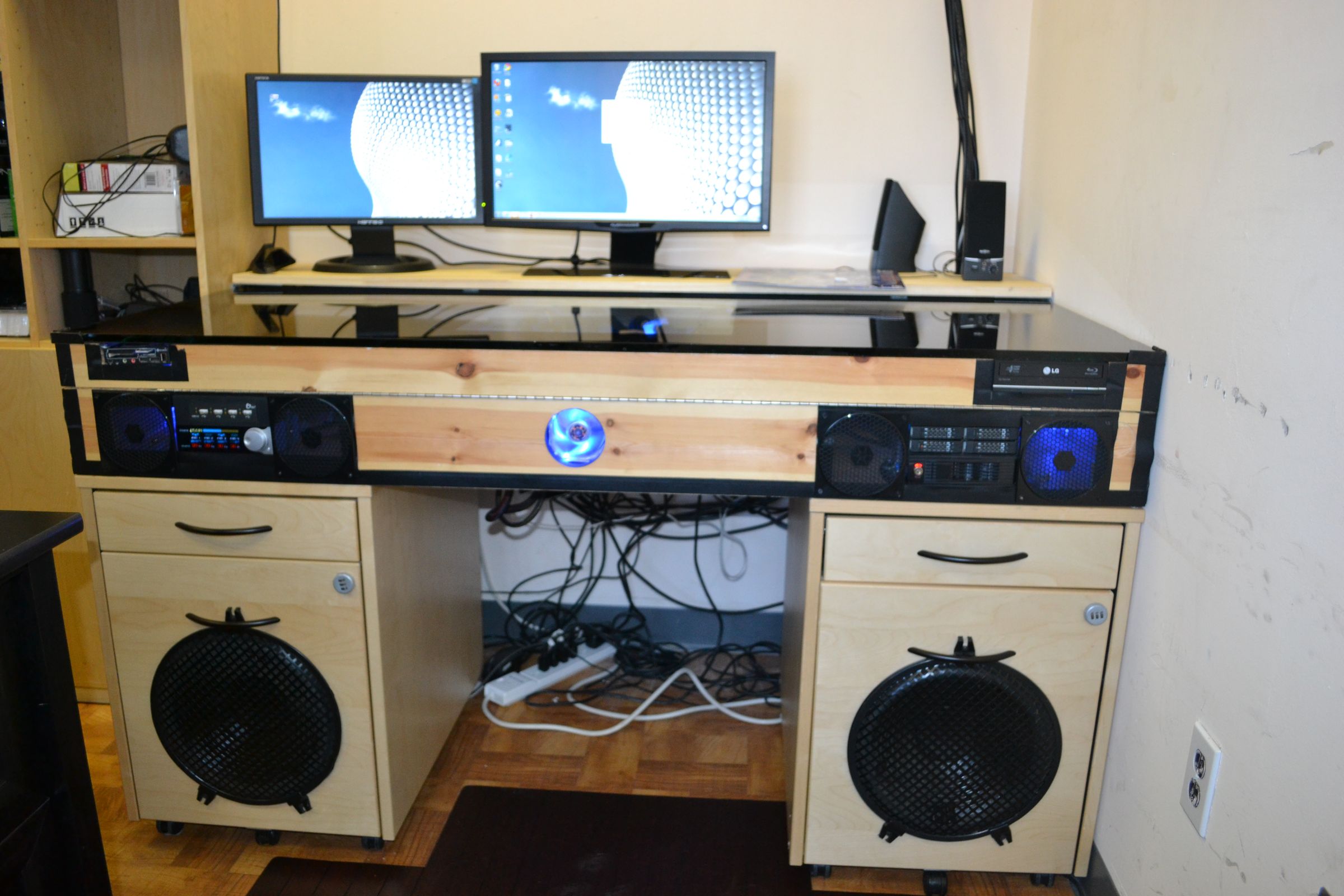
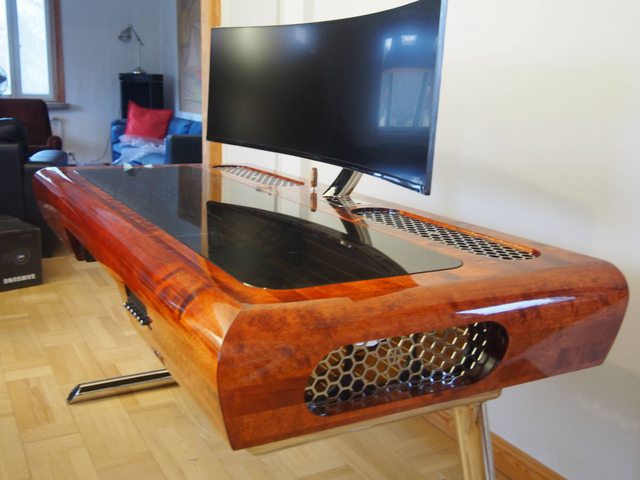
Absolutely, when designed correctly, a built in PC desk can significantly improve both your PCs performance and its airflow, leading to better component longevity. The key is thoughtful ventilation for your PC tower. Instead of being tucked away in a cramped, unventilated cabinet, a built in desk allows you to design custom compartments with ample space for air intake and exhaust. Incorporate vents, fan cutouts, or even small integrated fans within the desk structure to ensure a consistent flow of cool air. This prevents heat buildup, which is a common cause of performance throttling and hardware degradation. A well-ventilated built in desk means your GPU and CPU can run optimally, providing smoother gameplay and faster processing, crucial for todays demanding titles and competitive play.
What Budget Considerations Should I Make for a Built In PC Desk?
Budgeting for a built in PC desk can vary widely, depending on whether you go the DIY route or hire professionals, and the materials you choose. On the lower end, a DIY project using pre-cut laminate boards or plywood can cost a few hundred dollars. Mid-range options might involve custom-cut solid wood or hiring a local carpenter for basic construction, pushing costs into the $1,000-$3,000 range. High-end custom builds, featuring premium hardwoods, integrated smart lighting, and professional installation, could easily exceed $5,000. Remember to factor in not just the raw materials and labor, but also hardware like drawer slides, hinges, and any integrated power or lighting solutions. Getting multiple quotes and having a clear plan can help keep costs in check.
How Do Built In Desks Compare to Traditional Gaming Setups?
Traditional gaming setups often involve standalone desks that, while convenient, rarely offer the same level of integration and customization as a built in PC desk. Standalone desks are portable and can be easier to set up initially, but they typically lead to more cable clutter and less efficient use of space. They are also limited by their off-the-shelf dimensions, which might not perfectly suit your room or ergonomic needs. Built in desks, on the other hand, are permanent fixtures designed specifically for your space and requirements. This means superior organization, tailored aesthetics, and optimized ergonomics. While the upfront investment in time and possibly money is greater for a built in solution, the long-term benefits in terms of functionality, aesthetics, and overall user experience often outweigh the initial effort, especially for dedicated gamers seeking a truly optimized environment.
Can I DIY a Built In PC Desk, or Should I Hire a Professional?
Deciding between DIY and professional installation for a built in PC desk largely depends on your skill level, available tools, and budget. For those with carpentry experience, a DIY approach can be incredibly rewarding and cost-effective. There are numerous online tutorials and plans available, and with careful planning, you can achieve a custom look. However, building a structurally sound, aesthetically pleasing, and perfectly integrated desk requires precision with measurements, cutting, and finishing. If you lack these skills, or simply prefer a flawless, professional finish, hiring a carpenter or custom cabinet maker is often the better choice. Professionals can ensure structural integrity, perfect fit, and access to higher quality materials and finishes, saving you potential headaches and costly mistakes down the line. Consider the complexity of your design; simpler designs are more DIY-friendly.
FAQ Section
What materials are best for a built in gaming desk? The best materials depend on your budget and desired aesthetic. Plywood or MDF are budget-friendly and paintable, while solid wood offers durability and a premium look. Laminates provide a wide range of finishes and are easy to clean, making them popular for active gaming setups.
How long does it take to build a custom PC desk? The timeline varies significantly. A simple DIY project might take a few weekends. Professional installation for a complex design can range from 2 to 6 weeks, including design, material procurement, fabrication, and on-site assembly. Planning and preparation are key to efficiency.
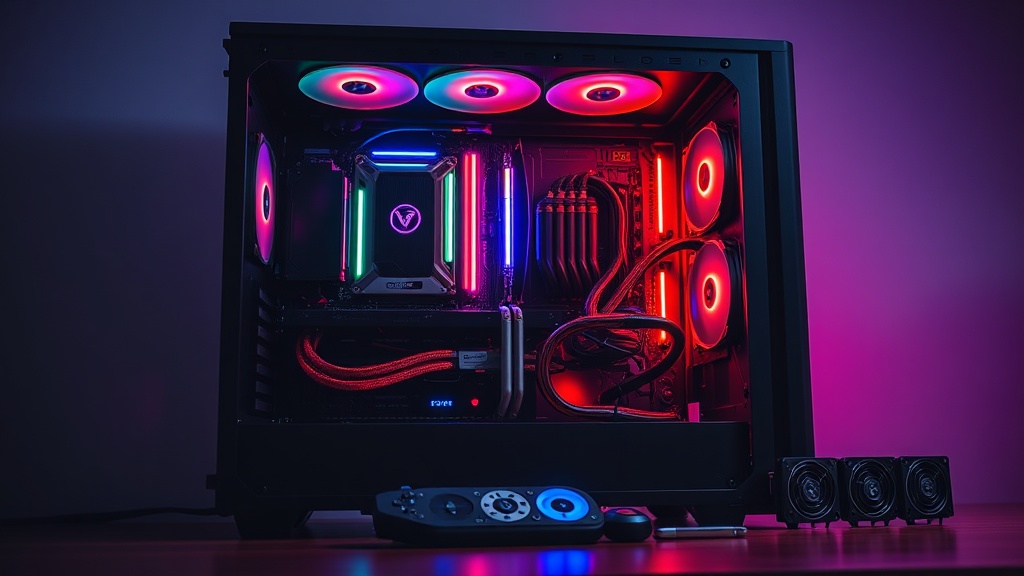
Can I include RGB lighting in my built in desk? Absolutely! RGB lighting is a popular feature for gaming setups and can be easily integrated. Plan for channels or grooves to hide LED strips, and ensure you have access to power for the controller. Smart lighting systems can be synced with your games or other peripherals for an immersive experience.
What about resale value for a home with a built in desk? A well-designed and professionally installed built in desk can be an attractive feature for potential homebuyers, especially those who work from home or are avid gamers. It shows thoughtful design and efficient use of space, potentially increasing your homes appeal and perceived value. However, overly personalized or poorly executed designs might not add value.
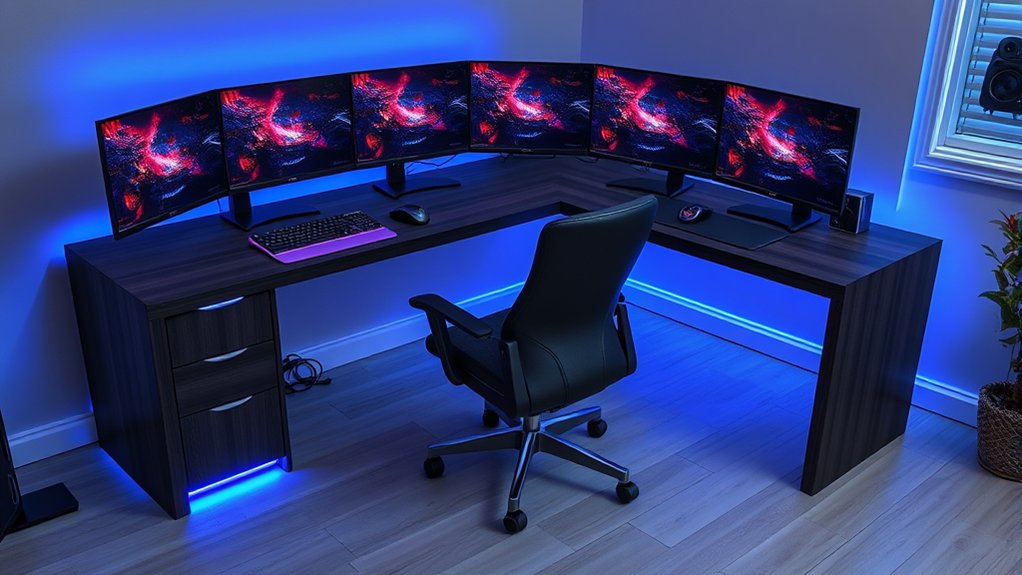
Is a built in desk suitable for multiple monitors? Yes, built in desks are excellent for multiple monitor setups. With thoughtful planning, you can design the desk to accommodate wide monitor arrays, often utilizing VESA mounts directly attached to the wall or desk frame for a seamless, floating look. This ensures stability and maximizes usable desktop space.
How do I ensure ergonomic comfort with a built in desk? To ensure ergonomic comfort, meticulously plan the desk height, monitor placement, and legroom. The desk height should allow your forearms to be parallel to the floor with your feet flat. Use adjustable monitor arms to position screens at eye level. A quality ergonomic chair is also crucial, complementing the custom desk design for long-term comfort.
Ultimately, a built in PC desk is more than just a place to game; it is an investment in your comfort, productivity, and the overall aesthetic of your home. By thoughtfully planning your design, considering the components, and integrating smart solutions for airflow and cable management, you can create a gaming sanctuary that truly enhances your daily life. Whether you go the DIY route or enlist professional help, the journey to a perfectly integrated gaming space is well worth it. What is your biggest gaming challenge with your current setup? Comment below and lets share some solutions!
Space saving design, seamless aesthetic integration, superior cable management, improved airflow and performance, custom storage solutions, enhanced productivity for work and play, personalized ergonomics, potential property value addition.
35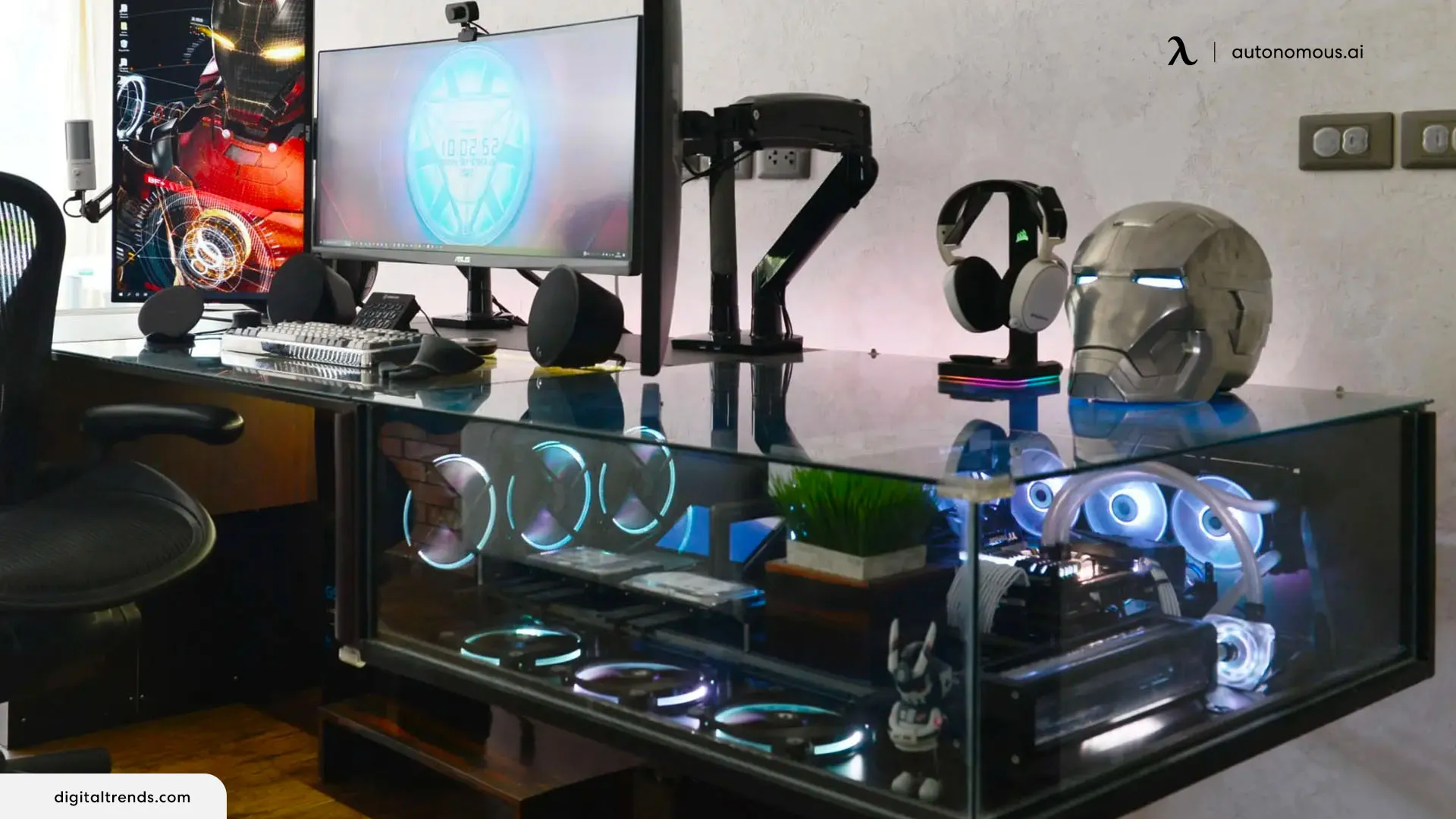
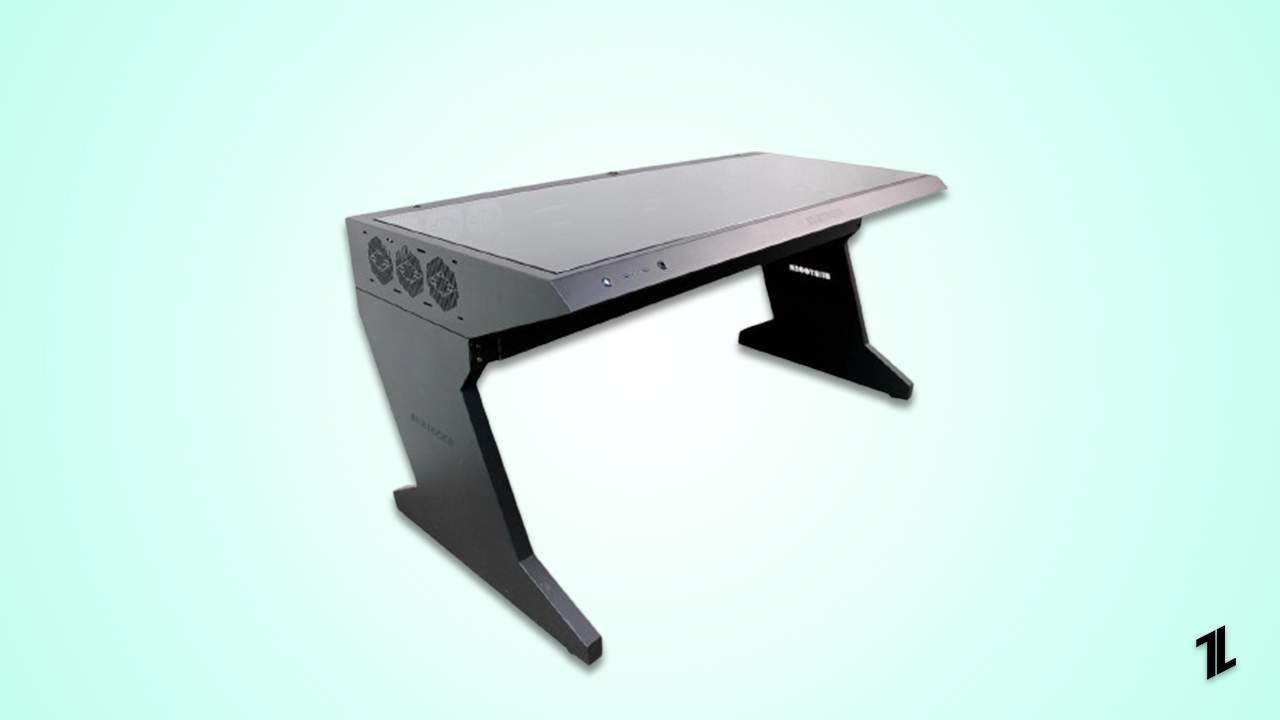
Computer Built Into Desk 2026 How To Build A PC In A Desk The Ultimate PC Built In Desk Setup Combining Style And. Computer Built Into Desk 2026 How To Build A PC In A Desk. Computer Built Into Desk 2026 How To Build A PC In A Desk Standing Desk. Desk With Built In PC . Best Desk PC Case Our Top Picks 2026 TechLatest ALAMENGDA BOOT X 63 RGB Built In ATX Full Tower PC Computer Case

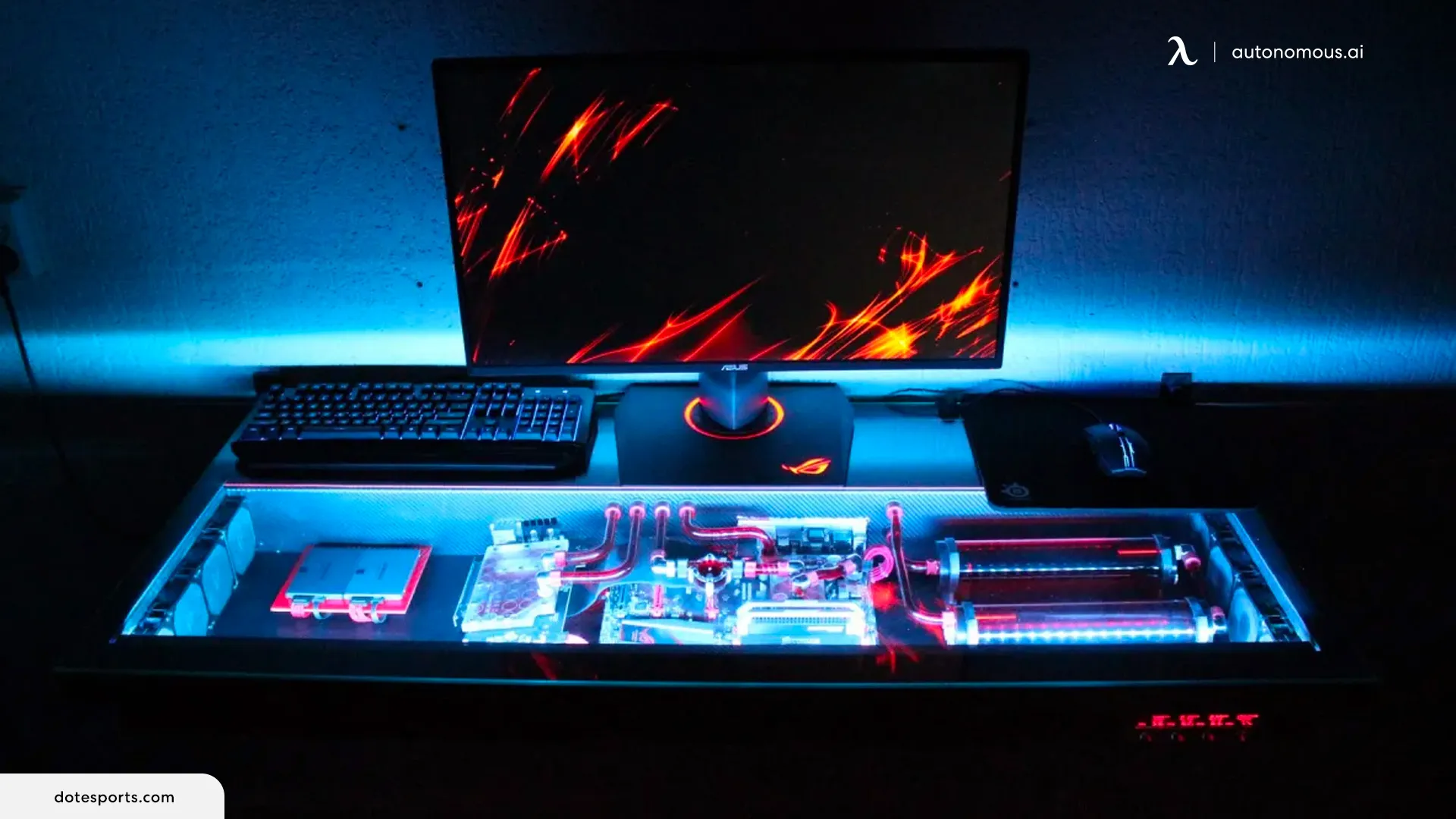

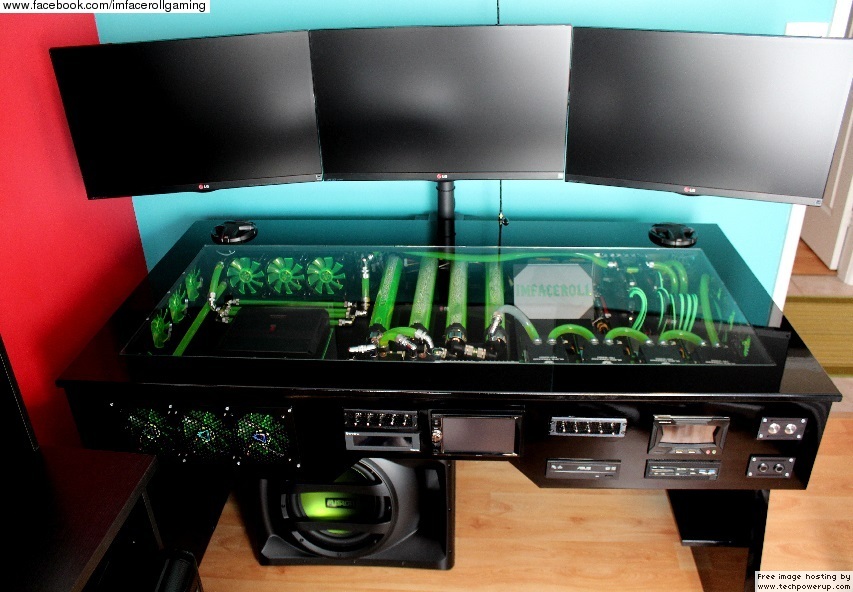
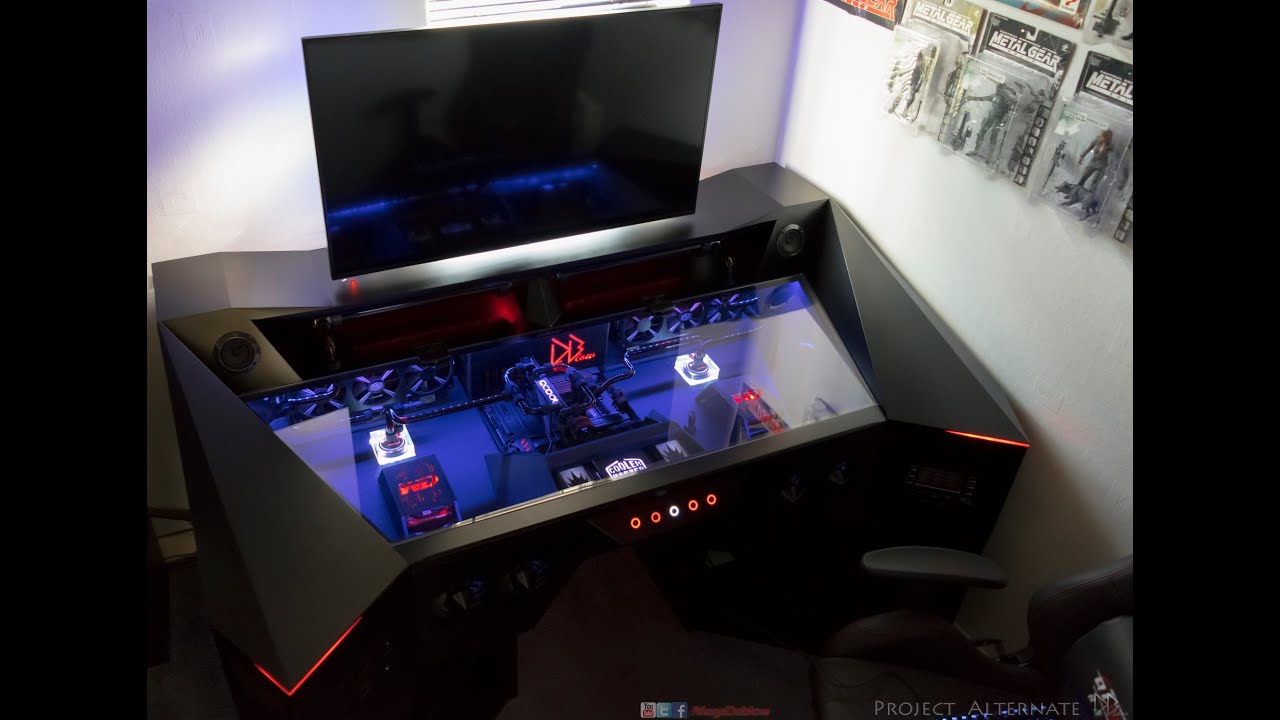
Best Gaming Desks 2026 Top Desks For Gaming 2026 YouTube . Computer Built Into Desk 2026 How To Build A PC In A Desk The Ultimate PC Built In Desk Setup Combining Style And. Whole Computer Case Desk Lian Li Dk07 Gaming Desk Pc Case . 2021 Computers Built Into Desks Are EPIC Computer Station Nation Watercooled Pc Desk Built In Car Audio . ULTIMATE 1 Of A Kind Custom PC In A Desk Build YouTube
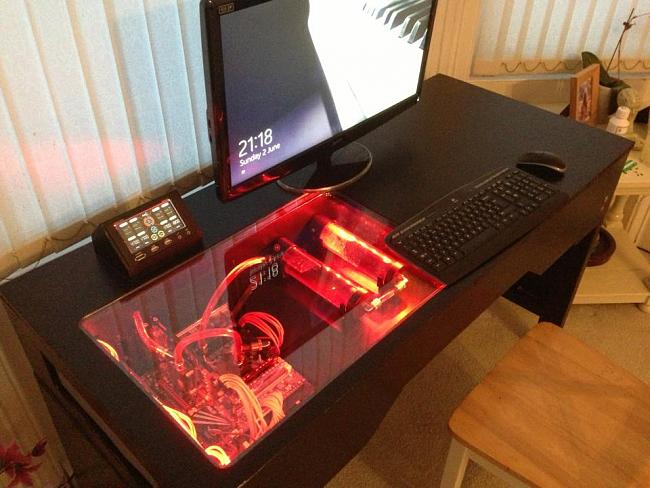
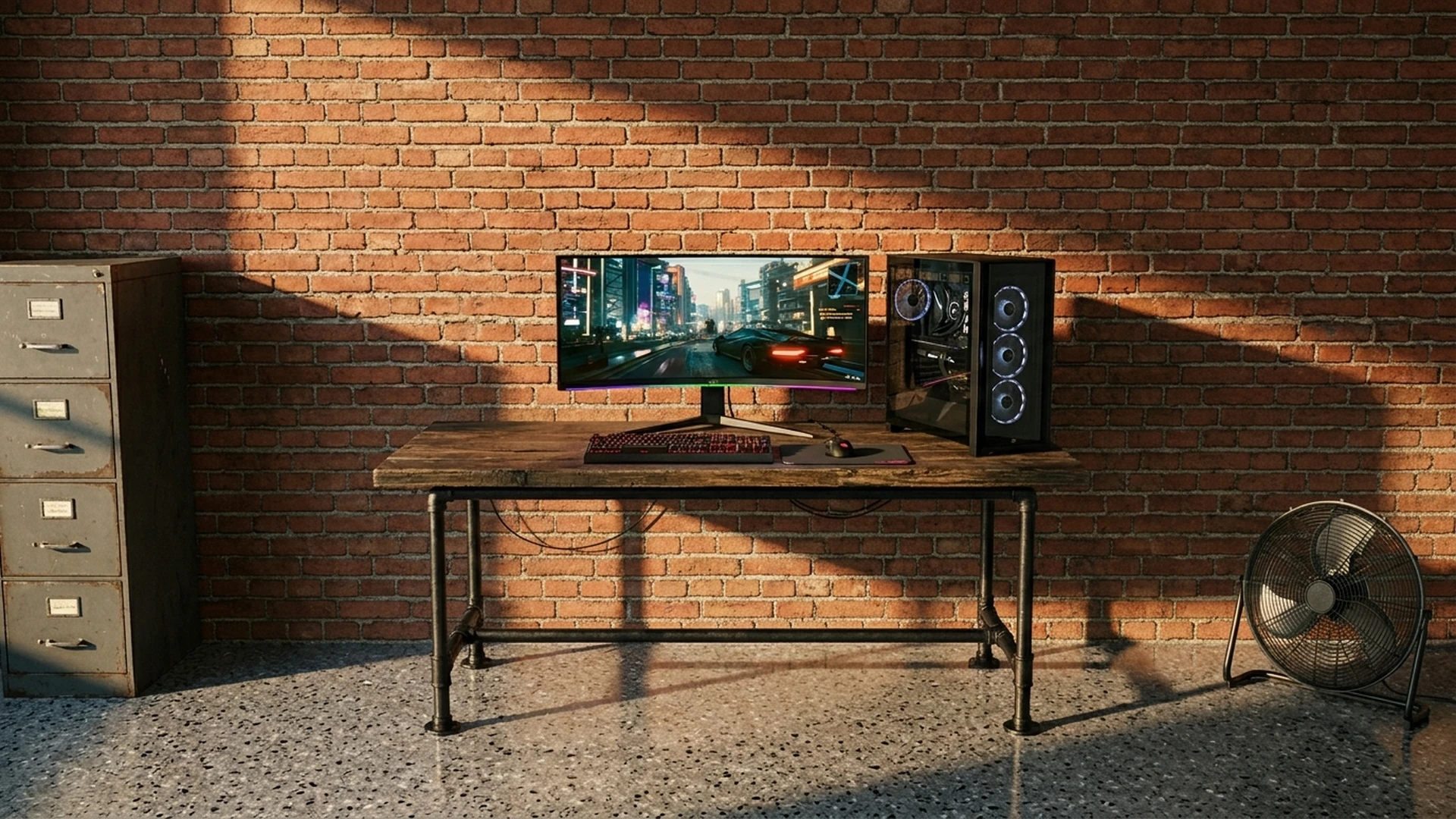


PC Desk Build Custom Watercooled Built In PC Desk Overclock Net LL. Computers Built Into Desks Are EPIC Computer Station Nation Project Unity Small Window Pc Inside Desk . The 4 Best Gaming Computer Desks In 2026 The Top Zone Best Best Gaming Computer Desks. The DREAM Desk Setup Hybrid Home Office Gaming 2026 YouTube . 10 Best Gaming Desks 2026 51vIG3k0dfL

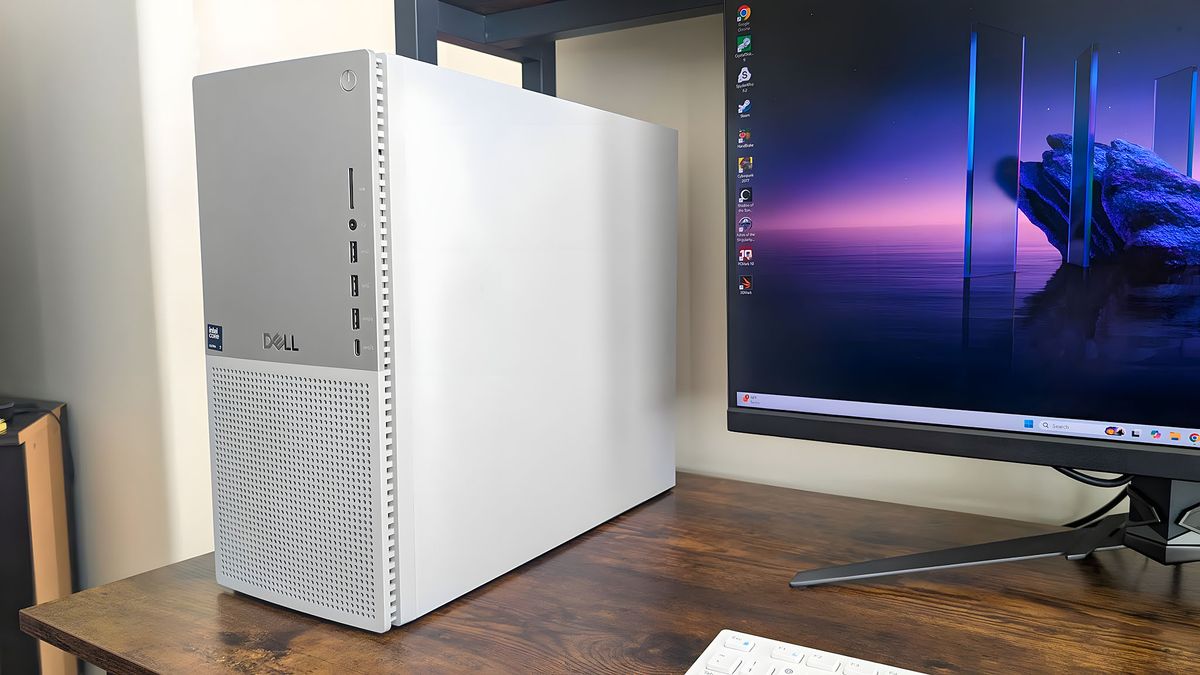


30 Desk Setup Ideas For 2026 That Make Your Workspace More Inspiring Built In Desk With Wall Cabinets And Natural Light 800x1000 . Best Desktop PCs We Ve Tested And Reviewed In 2026 Windows Central 1200 80 . Best Gaming PC Builds For 2026 Best Gaming PC Builds For 2026.webp. Top 10 Best Desktop Computers 2026 For Home Office And Work Apple IMac M4 2026 All In One Desktop Computer For Creative In Best Desktop. Top 10 Best Desktop Computers 2026 For Home Office And Work HP OmniStudio X Pro 2026 All In One Desktop Computer With Large Display Ranked Among Best



:strip_icc()/teraves-reversible-l-shaped-desk-0280a024512f4ef48a61a6b33ff60d7a.jpg)
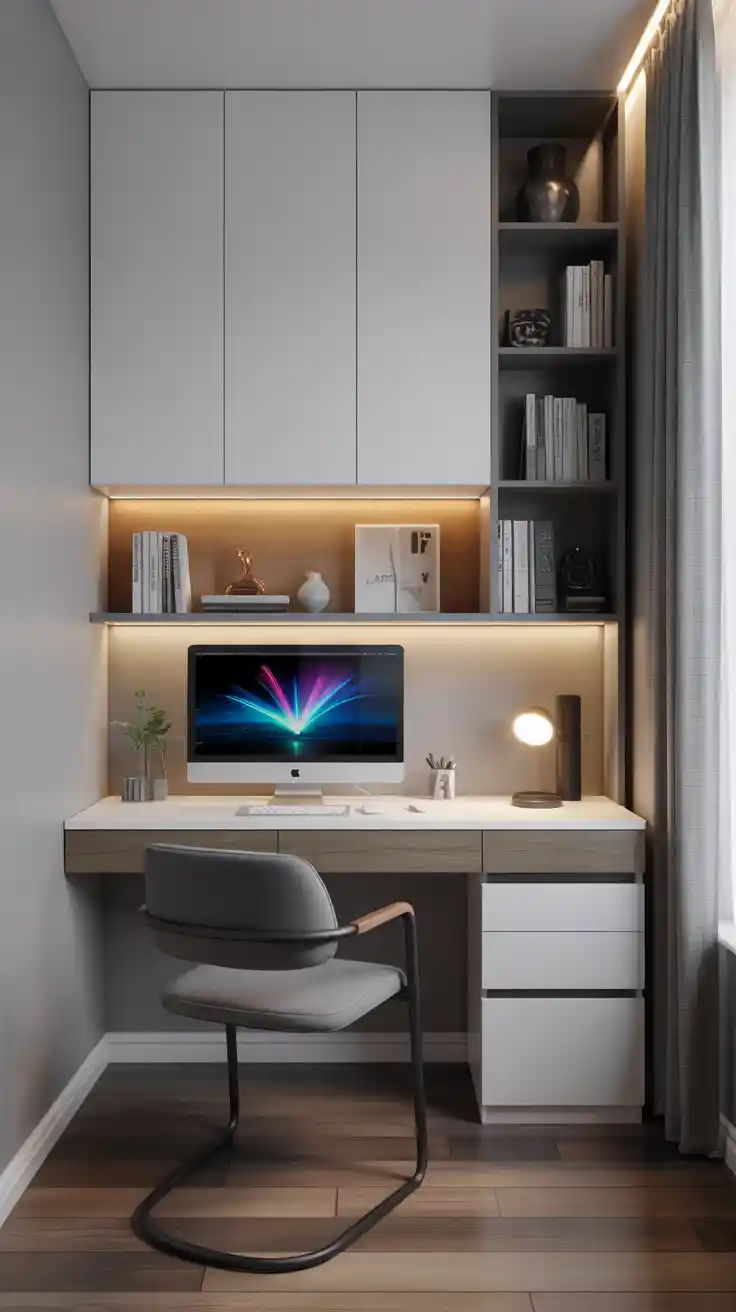
Computer Desk Ideas 2026 Modern Wooden Minimalist Desk Designs For. Top 10 Best Desktop Computers 2026 For Home Office And Work Lenovo Legion Tower 7i 2026 High Performance Desktop Computer With RGB Lighting Featured In. Top 10 Best Desktop Computers 2026 For Home Office And Work Lenovo Legion Tower 5i 2026 Budget Desktop Computer For Home Office Among Best Desktop. The 28 Best Desks Of 2026 Our Editors Love Teraves Reversible L Shaped Desk . Computer Desk Ideas 2026 Modern Wooden Minimalist Desk Designs For 23 4.webp


7 Best L Shaped Gaming Desks Of 2026 Top L Shaped Gaming Desks . The 12 Best Tower Business Desktop Computers In 2026 Tested Reviewed HP 2025 Omnidesk Envy Next Brand M02 AI Copilot Business Tower Desktop . 7 Best Desktop Computers For Home Use In 2026 Technobezz Technobezz 2026 03 11 T142543 296 09ffd22ab9 . How To Build A Gaming PC In 2026 Complete Parts Guide And Assembly Gaming Pc Build 2026 Hero . Best Gaming Desks For Small Spaces 2026 C Gaming PC Guru Console Rog Ally X Accessories Gpcg




Future Proof PC Build 2026 Essentials Future Proof Pc Build Guide 2026 Banner.webp. Built This Pro Desk Setup For 2026 Here S What Actually Boosted My Best Desk Gadgets For 2026 . 2021 Computers Built Into Desks Are EPIC Computer Station Nation Custom Mahogany Desk Pc Build . My PC Desk I Built Album On Imgur Gaming Desk Build Desk Pc Build . PC Project 2026 Where To Start With Building Your Own Gaming PC CCL CCL 667 BLOG BUILD GUIDE 1980x1080