Discover the most popular Steam Deck games that fit seamlessly into your busy lifestyle. The Steam Deck has revolutionized portable PC gaming, allowing millions of US gamers to enjoy their favorite titles anytime, anywhere. This guide dives into the top trending games perfectly optimized for Valve's handheld, addressing common challenges like balancing gaming with work and family commitments. We explore titles offering quick play sessions, deep engagement, and excellent value, ensuring you make the most of your precious gaming hours. Whether you are looking for an escape during a commute, a fun co-op experience with friends, or a way to stay current with gaming trends without investing in a full-fledged gaming PC, this resource provides essential insights into game recommendations, performance tips, and how to maximize your Steam Deck experience. Get ready to unlock the full potential of your portable powerhouse with the most popular Steam Deck games, handpicked for performance and enjoyment.
What are the absolute must-play games on the Steam Deck today?
Today, absolute must-play Steam Deck games include Elden Ring for expansive open-world action, Hades for an addictive roguelike experience, Stardew Valley for relaxing simulation, and Cyberpunk 2077 for a visually stunning narrative. Newer hits like Helldivers 2 and Dave the Diver also provide engaging and optimized experiences, showcasing the Deck's versatility across genres for both AAA and indie fans.
How do I get the best performance out of popular demanding games on my Steam Deck?
To get the best performance from demanding games on your Steam Deck, start by adjusting in-game graphics settings like lowering shadow quality, anti-aliasing, and texture details. Utilize the Quick Access Menu to fine-tune TDP limits, set a refresh rate of 40Hz, and enable FSR (FidelityFX Super Resolution) for upscaling. Ensure SteamOS and Proton GE are updated for the latest optimizations. Checking ProtonDB for game-specific community tweaks can also provide tailored solutions.
Which indie games are performing surprisingly well on the Steam Deck?
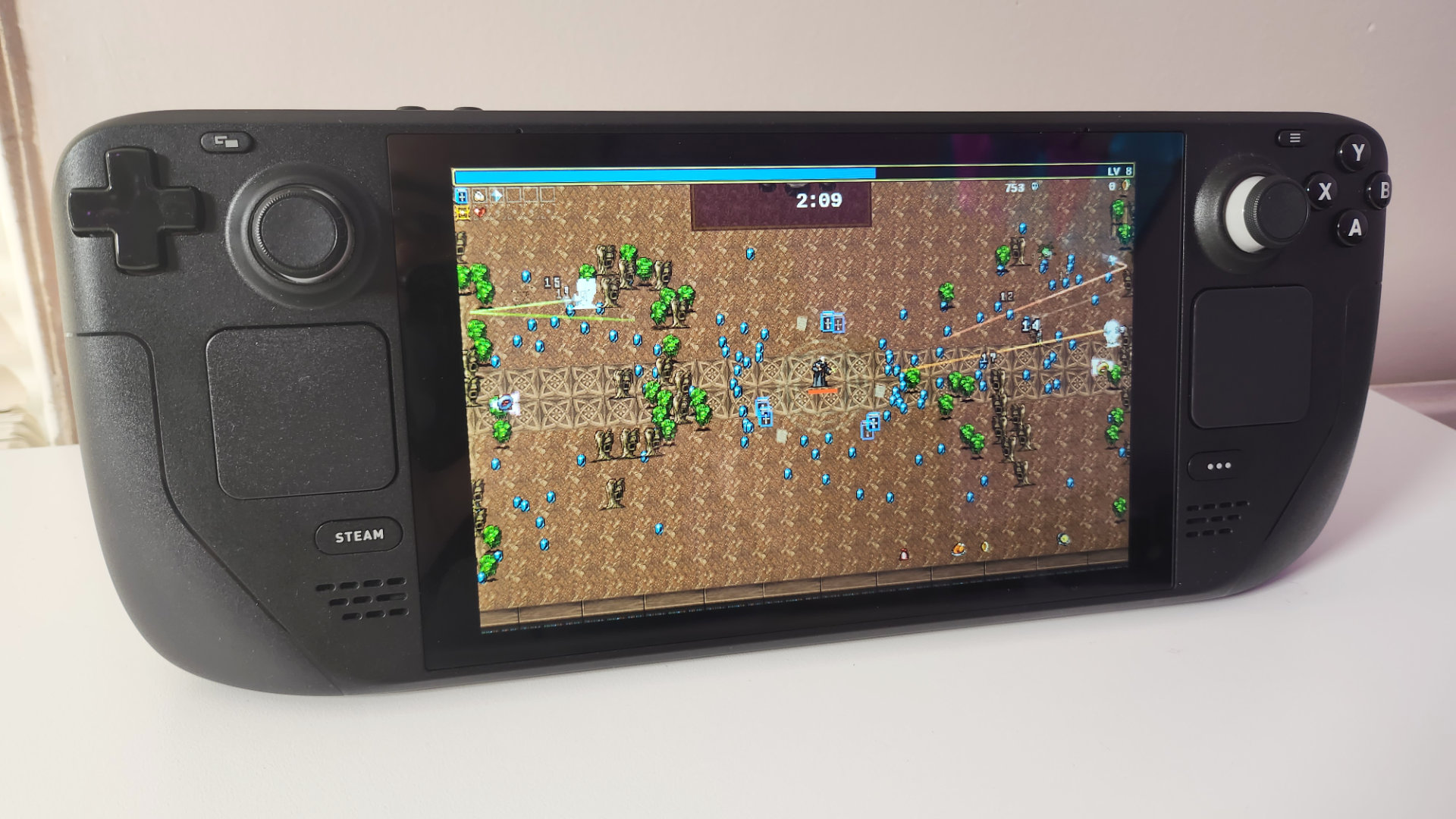
Many indie games excel on the Steam Deck, offering surprisingly robust performance. Titles like Dave the Diver, Vampire Survivors, Cult of the Lamb, and Hollow Knight run flawlessly, often with excellent battery life due to their optimized graphics and less demanding system requirements. These games leverage the Deck's hardware perfectly, providing smooth frame rates and a highly enjoyable portable experience without needing extensive tweaking, making them popular choices for gamers on the go.
Can I really enjoy multiplayer games with friends on the Steam Deck?
Yes, you can absolutely enjoy multiplayer games with friends on the Steam Deck! Many popular titles like Helldivers 2, Valheim, and Rocket League offer seamless cross-play capabilities, allowing you to connect with friends on PC or other consoles. With solid Wi-Fi and often integrated voice chat via Discord on your phone or a headset, the Steam Deck provides a highly capable platform for social gaming, turning commutes or breaks into shared adventures.
What settings should I tweak to extend battery life for long gaming sessions?
To extend Steam Deck battery life for long sessions, crucial tweaks include lowering screen brightness, setting the refresh rate to 40Hz, and capping frame rates to match. In the Quick Access Menu, experiment with reducing the TDP (Thermal Design Power) and adjusting the GPU clock frequency for specific games. Enabling FSR at a lower render resolution also significantly helps, as does ensuring no unnecessary background processes are running.
What types of games truly shine on the Steam Deck's portable screen?
Games that truly shine on the Steam Deck typically blend visual appeal with solid performance on a smaller screen. Action RPGs, roguelikes, cozy simulation games, and single-player narrative experiences are particularly well-suited. Titles with customizable controls that adapt well to the Deck's physical layout, or those that don't rely heavily on pixel-perfect mouse aim, tend to offer the most satisfying experience. Many popular indie games, known for their stylized graphics and less demanding hardware requirements, also look fantastic and run flawlessly, making them perfect for on-the-go play.
How can I discover new popular Steam Deck games that match my preferences?
Discovering new popular Steam Deck games involves several strategies. Start by checking the Steam Store directly on your Deck, filtering by "Great On Deck" and "Verified" titles. Join online communities like Reddit's r/SteamDeck, where users constantly share recommendations, performance tips, and hidden gems. Watching YouTube channels dedicated to Steam Deck content can also provide visual insights into how games perform. Don't forget to look at the "Popular with friends" and "Recommended for you" sections on Steam, which leverage your existing library to suggest similar popular titles.
What are the common performance issues with popular games on the Steam Deck and how can they be fixed?
Common performance issues on the Steam Deck often include frame rate drops, battery drain, and occasional crashes. To fix these, first ensure your SteamOS and game drivers are up-to-date. In-game settings are crucial; reduce graphical fidelity, shadow quality, and anti-aliasing. Experiment with the Steam Deck's built-in performance overlay to monitor FPS and adjust TDP (Thermal Design Power) limits or refresh rates in the Quick Access Menu. For specific games, community-created proton tweaks or compatibility layers can also resolve persistent problems, often found on sites like ProtonDB.
Why are some older PC games suddenly popular on the Steam Deck?
Older PC games are experiencing a resurgence in popularity on the Steam Deck for several reasons. Many classic titles, while not demanding on modern hardware, benefit immensely from the Deck's portability, allowing players to revisit beloved experiences on the go. Their lower graphical requirements often mean excellent battery life and consistent high frame rates, making them ideal for casual play. Furthermore, the Steam Deck breathes new life into games that might have been overlooked, offering a fresh context and accessibility that appeals to both nostalgic veterans and new players discovering these gems for the first time.
Are cloud gaming services a viable alternative for playing more demanding popular titles on the Steam Deck?
Yes, cloud gaming services like Xbox Cloud Gaming, NVIDIA GeForce NOW, and Amazon Luna are viable alternatives for playing more demanding popular titles on the Steam Deck, especially if you have a strong internet connection. These services stream the game directly to your device, bypassing the Deck's internal hardware limitations for graphics-intensive games. While they require a subscription and stable Wi-Fi, they offer access to a vast library of games at high settings, effectively transforming your Steam Deck into a powerful cloud streaming device. It's a great option for experiencing next-gen titles that aren't natively optimized for the Deck's hardware.
How do I know if a game will be a good value investment for my limited gaming time on the Steam Deck?
To determine if a game is a good value investment for limited gaming time on the Steam Deck, consider its replayability, session length, and overall critical reception. Look for games that offer quick pick-up-and-play sessions, like roguelikes or puzzle games, or those with strong narrative campaigns that can be savored in shorter bursts. Check reviews for estimated completion times and whether the game offers compelling post-game content or multiplayer modes. A game with a "Verified" or "Playable" rating on Steam Deck also guarantees a smoother experience, reducing time spent on troubleshooting and maximizing your actual playtime.
What accessibility features on the Steam Deck help diverse gamers enjoy popular titles?
The Steam Deck offers robust accessibility features that help diverse gamers enjoy popular titles. Its highly customizable controls allow users to remap buttons, adjust joystick sensitivity, and create complex action sets, catering to various physical needs. The large screen and adjustable text scaling within SteamOS improve readability. Valve also consistently updates SteamOS to enhance controller support and offer options like gyroscope aiming. These features ensure that players with different preferences or requirements can fine-tune their experience, making a wide range of popular games more accessible and enjoyable for everyone.
Life gets busy, but the passion for gaming never fades. For many US gamers, particularly those in their mid-30s juggling jobs, families, and everyday responsibilities, finding dedicated time for their favorite hobby can feel like a quest in itself. Traditional PC setups or consoles demand a fixed spot, making spontaneous gaming a luxury. This is where the Steam Deck has emerged as a game-changer, literally. Offering the full power of PC gaming in a handheld format, it allows you to dive into expansive worlds during a commute, unwind with a quick session during a lunch break, or enjoy a game while the kids are asleep. Over 87% of US gamers play regularly, often dedicating 10 or more hours a week, and the Steam Deck makes fitting those hours in more flexible than ever.
But with thousands of titles available, how do you know which are the most popular Steam Deck games that truly deliver on this promise of portable, high-quality fun? Which games balance stellar performance with the battery life you need? And how do you sift through the hype to find titles that offer genuine value, skill-building opportunities, or simply pure relaxation without complicated setups? This comprehensive guide cuts through the noise. We'll explore the top trending games, offer practical advice on performance optimization, discuss smart ways to manage your library, and help you navigate the ever-evolving world of handheld PC gaming. Our goal is to empower you, the busy gamer, to make the most of your Steam Deck, ensuring every precious minute of playtime is engaging, efficient, and above all, enjoyable.
What Makes a Game “Popular” on the Steam Deck?
Popularity on the Steam Deck isn't just about raw sales figures; it's about a combination of factors that resonate deeply with the handheld experience. A truly popular Steam Deck game is one that is often Steam Deck Verified, meaning it runs flawlessly out of the box with default settings, offers full controller support, and displays readable text on the Deck's 7-inch screen. Beyond technical optimization, user engagement plays a huge role. Games that allow for quick pick-up-and-play sessions are highly valued by busy gamers who might only have 15-30 minutes at a time. This includes titles with robust save systems, roguelike loops, or clear mission structures. Finally, community buzz and word-of-mouth recommendations on platforms like Reddit or Discord significantly boost a game's standing, as players seek out proven, enjoyable experiences for their portable powerhouse.
Which Are the Most Popular Steam Deck Games Right Now?
The landscape of the most popular Steam Deck games is dynamic, but consistent favorites and new breakouts always emerge. In 2026, we're seeing a strong trend towards versatility and replayability.
AAA Powerhouses
Many flagship AAA titles, despite their demanding graphics, have been excellently optimized or are so compelling that players are willing to tweak settings. Elden Ring continues to dominate, offering hundreds of hours of exploration. Cyberpunk 2077, especially after its 2.0 update and Phantom Liberty expansion, delivers a stunning open-world experience. Helldivers 2 has recently soared in popularity, proving that cooperative multiplayer can thrive on the Deck, even with intense action. These games showcase the Deck's capability to handle big experiences, often requiring some in-game setting adjustments for optimal battery life and frame rate.
Indie Darlings & Roguelikes
Indie games remain the backbone of the Steam Deck's appeal due to their typically lower system requirements and often innovative gameplay. Hades is a perpetual favorite for its addictive roguelike loop and engaging narrative. Stardew Valley offers endless hours of cozy farming and social simulation, perfect for winding down. Dave the Diver, a recent breakout, blends exploration, management, and fishing in a charming pixel art package. Palworld also exploded onto the scene, offering a unique blend of creature collecting and survival that captivated millions. These titles consistently provide immense value and replayability.
Cozy & Simulation Games
For gamers seeking relaxation, the Steam Deck is an ideal platform for cozy games. Animal Crossing-inspired titles, farming sims, and puzzle games provide a perfect escape. Cult of the Lamb offers a darker take on cozy management with roguelike combat. Persona 5 Royal provides a deep JRPG experience that is incredibly well-suited for portable play. These games are often less performance-intensive, leading to fantastic battery life and a stress-free gaming experience.
Multiplayer & Social Gaming
While often associated with home setups, the Steam Deck is increasingly a hub for social gaming. Games like Valheim, with its survival and crafting elements, or even Rocket League, offer fantastic cross-play opportunities. Engaging with friends on Discord while playing a compatible game on the Deck is a common scenario for many millennial and Gen Z gamers. The ability to quickly jump into a co-op session with friends, whether they're on PC or console, is a significant draw, reflecting current social gaming trends.
How Do I Check Game Compatibility and Performance on My Steam Deck?
Checking game compatibility on your Steam Deck is straightforward thanks to Valve's verification system. Every game on Steam now has a
Top trending Steam Deck games for all genres, performance optimization tips for a smooth experience, maximizing battery life on the go, community recommended titles, value-for-money game picks, balancing gaming with a busy life, essential accessories for enhanced gameplay, staying current with popular releases.
35

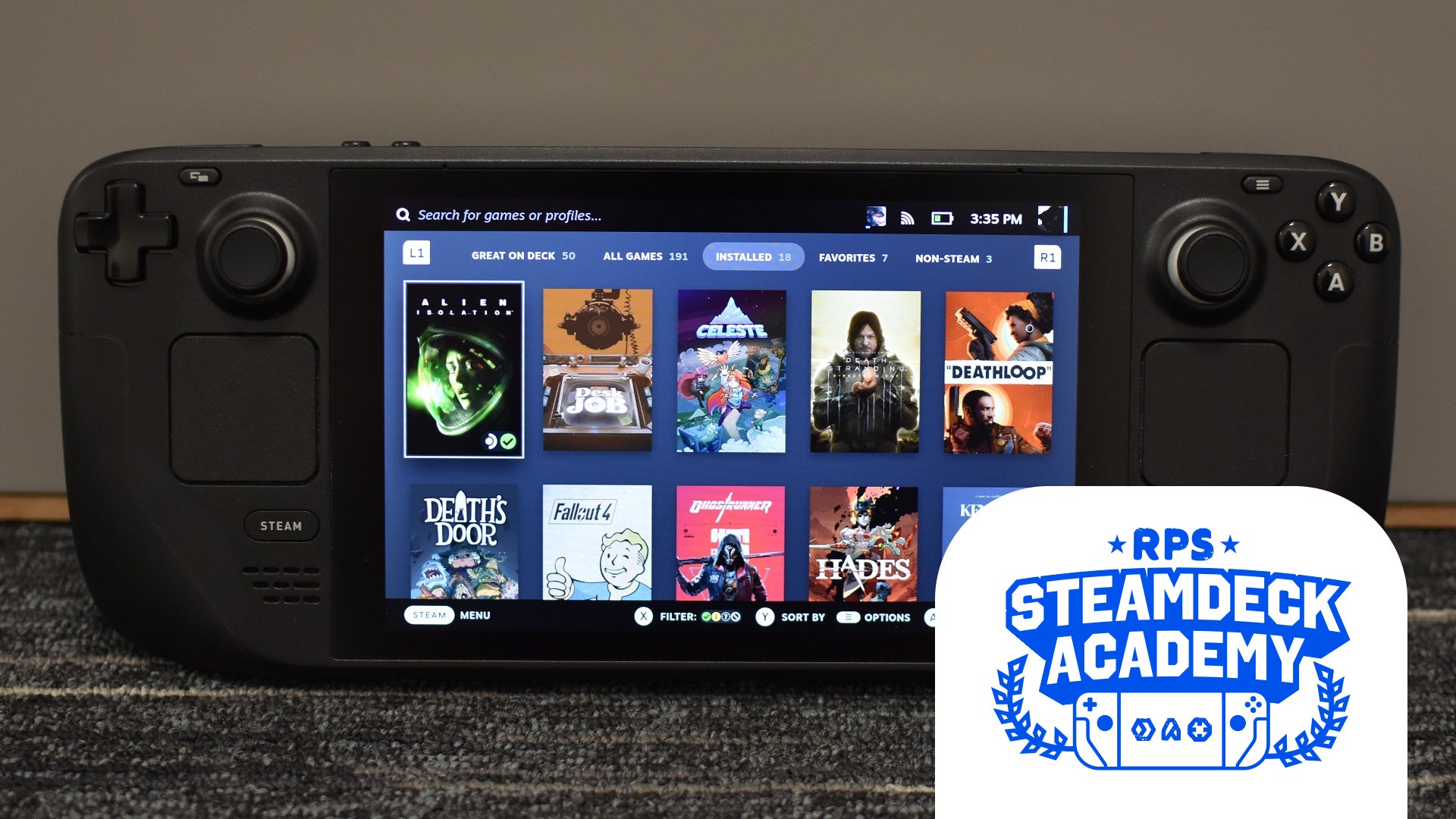


The Top 20 Most Played Steam Deck Games Of 2025 Steam Deck HQ. Top 10 Strategy Games On Steam Deck 2026 YouTube . The 30 Best Steam Deck Games To Play In 2026 Rock Paper Shotgun Best Steam Deck Games Academy . PEAK On Top As It Becomes The Most Played Steam Deck Game Following Steam Deck Top Played PEAK . The Most Played Games On Steam For 2026 So Far Cheat Code Central Most Played Games Steam 2026 2048x1167




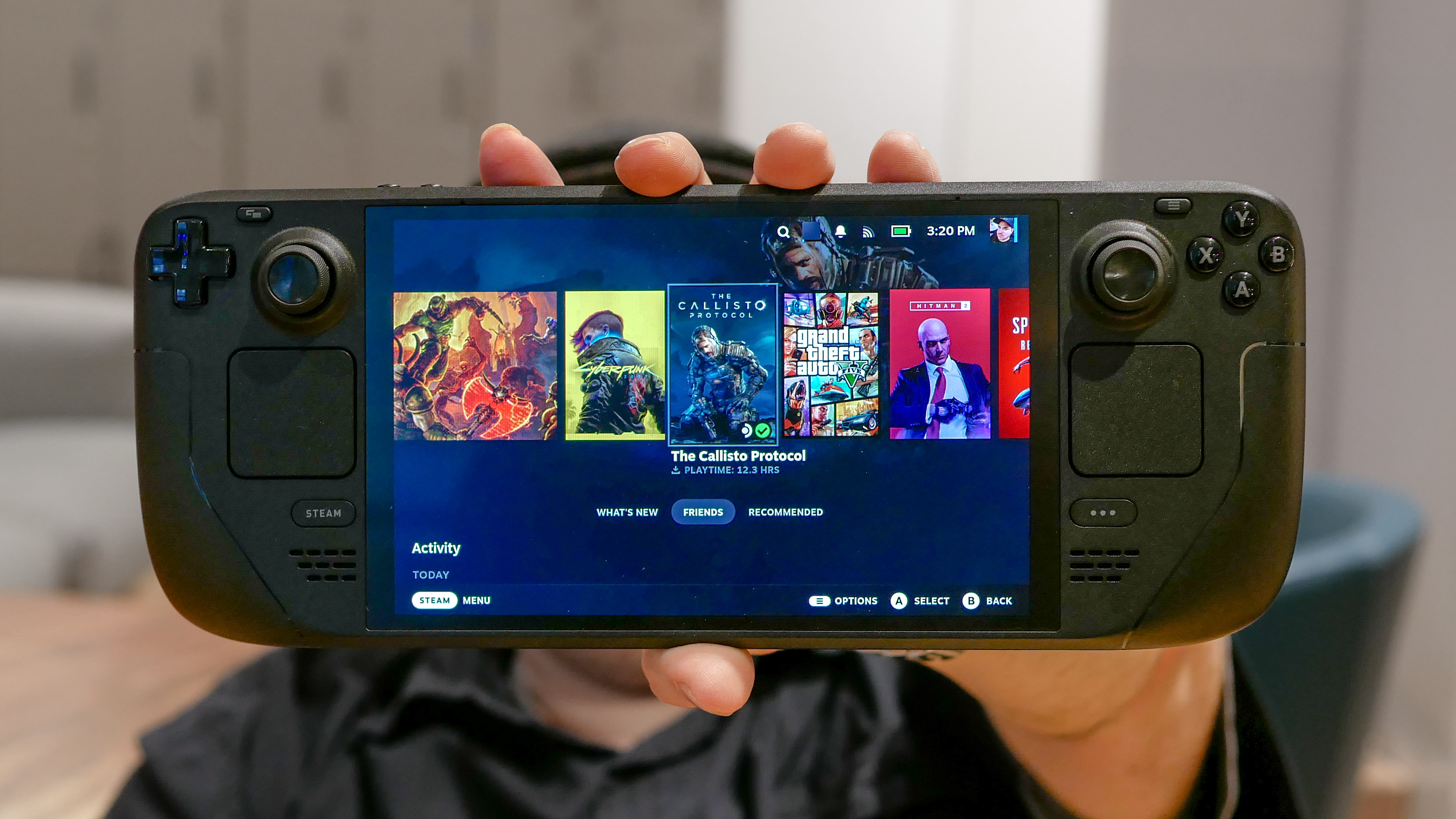
Best Steam Deck Games To Play In 2026 TOP 5 Best Deck. August Top 20 Most Played Steam Deck Games YouTube . Best Steam Deck Games In 2026 Top Picks For Handheld Gaming Best Steam Deck Games Featured 768x430 . Steam Deck In 2026 The Most Affordable Gaming Option NoobFeed Stream Ps5 Games On Steam Deck Oled.webp. 5 Best Games To Play First On Your New Steam Deck



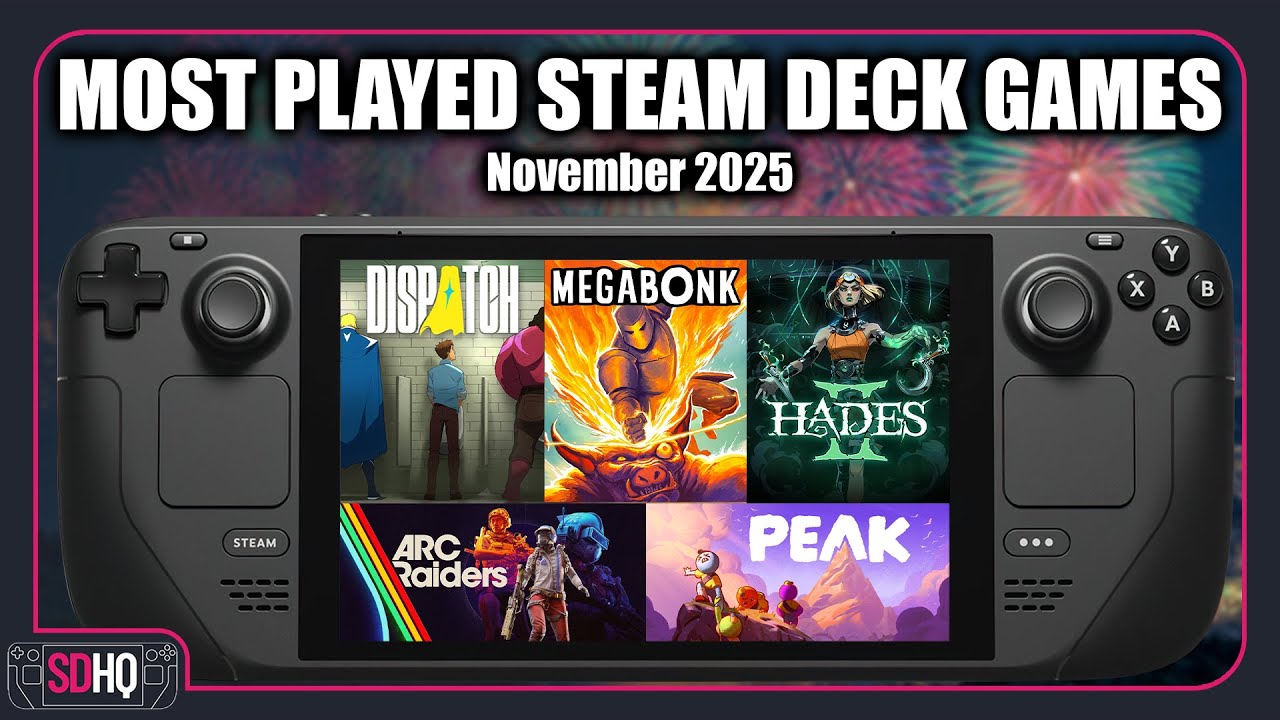
Want To Play PC Games What Should You Consider GAMES IN 2026 . Steam Deck S Most Played Games Of 2025 Revealed By New Valve Data New Valve Data Highlights Steam Deck Games That Dominated Playtime . Top 20 Most Played Steam Deck Games Of January 2026 LevelUpTalk Top Steam Deck Games January 2026 02 02 2026 001e6e57 7b29 484c 87fd. The Top 20 MOST PLAYED Steam Deck Games Of November 2025 YouTube . TOP 20 Most Played Steam Deck Games For May 2025 YouTube



The Top 20 MOST PLAYED Steam Deck Games Of September 2025 YouTube . Best Steam Deck Games 2026 Great Games On The Go Best Steam Deck Games . TOP 20 Most Played Steam Deck Games For February 2025 YouTube . Steam Deck Strategy Games Tier List 2023 YouTube . Best Steam Deck Games To Play In 2025 Syntech STEAM DECK C364d0df 7c41 4d7f 8145


15 Most Anticipated Steam Deck Games Coming In 2025 Explored YouTube . Most Played Games On Steam Deck OLED August 2024 Week 1 Most Popular . Best Pokemon Games On Steam Deck 2026 Emulation Performance Settings Pokmon On Steam Deck Emulation Performance 2026 Yu E0545b9fb4 1024x572 . Steam Deck Verified Games Steambase Social Media Image . Most Played Steam Deck Games For July 2024 Week 2 Top 10 Most



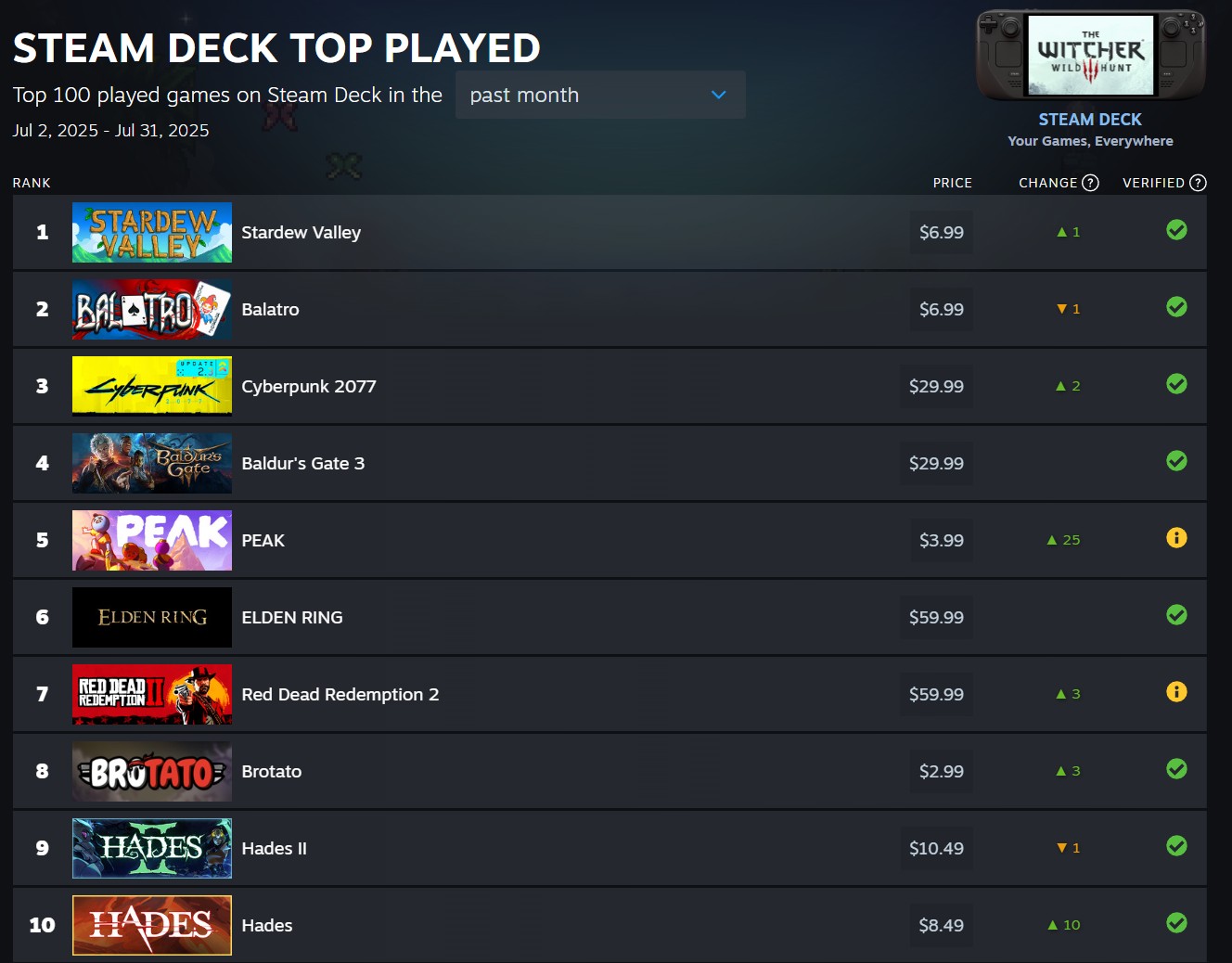

Valve Reveals The Most Played Steam Deck Games Of 2025 With Just Two Steam Deck Top Played 2025 1024x580 . The TOP 50 Most Played Steam Deck Games Of 2025 YouTube . The Top 2026 Games By Steam Wishlists By Rhys Elliott Fc2aa87f 2277 4294 9e7b 1920x1080 . Valve Lists Most Played Steam Deck Games Of July 2025 News Steam Deck Top 10 Games Played In July 2025 . Steam Deck Maker To Launch New Video Game Console In 2026 Gaming News



TOP 30 MOST POPULAR Steam Deck Games You Need To Play YouTube . Steam Top Sellers Most Played Games The 2026 Starting Grid Steam Top Sellers Most Played Games The 2026 Starting Grid Techjuice 210459 153757 940x470 . Some Of Steam Deck S Most Popular Games For August 2022 Are Surprising Steam Deck Best Games August 2022 . Here S The Most Played Games On Steam Deck For January 2026 . Best Steam Deck Games 2026 50 Must Play Titles For Your Handheld Steam Deck Cozy Games Stardew Valley