Unlock smoother gameplay and boost your Roblox frame rates by understanding the often-overlooked process of Roblox garbage collection. This comprehensive guide, crafted for US gamers balancing life and play, dives into how Roblox manages memory, identifies common performance bottlenecks, and provides actionable tips for both developers and players to optimize their experiences. Discover effective strategies to minimize memory leaks, improve script efficiency, and ensure your favorite Roblox games run flawlessly. We address typical gamer pain points like lag and stuttering, offering practical, budget-friendly advice to enhance your gaming sessions. Stay current with 2026 best practices in Roblox optimization, learn how to keep your client running lean, and spend more time enjoying the social and creative worlds Roblox offers without frustrating slowdowns. This resource is designed to empower you with knowledge for a consistently enjoyable and responsive Roblox experience.
Q: How does Roblox manage memory on my PC or mobile device?
A: Roblox utilizes an automatic garbage collection system, primarily for Lua scripts and objects within its engine. This system continuously identifies and reclaims memory from elements that are no longer referenced or needed by the game. It works incrementally to avoid performance spikes, ensuring resources from deleted instances or disconnected scripts are eventually freed up. This process is largely handled internally by the Roblox engine and Lua virtual machine, making it mostly transparent to players, though game design heavily influences its efficiency.
Q: What is the main benefit of efficient Roblox garbage collection for players?
A: The primary benefit of efficient Roblox garbage collection for players is a significantly smoother, more stable, and less laggy gaming experience. When memory is properly managed, games encounter fewer stutters, reduced frame rate drops, and a lower likelihood of crashes, especially during extended play sessions. This leads to increased enjoyment, faster loading times, and a more responsive environment, allowing players to fully immerse themselves in their chosen Roblox experiences without frustration.
Q: Can I manually trigger Roblox's garbage collector to improve performance?
A: No, players cannot manually trigger Roblox's internal garbage collector. The system is entirely automated and managed by the Roblox engine and the Lua virtual machine to maintain platform stability and performance. Developers also have limited direct control over when it runs. Instead, optimization efforts for both players and developers focus on *reducing the amount of garbage* generated and *managing resources efficiently*, which allows the automatic collector to operate more effectively in the background.
Q: Why do some Roblox games seem to have 'memory leaks' and get laggier over time?
A: Games can get laggier over time due to what appear to be 'memory leaks' when developers fail to properly clean up resources. This often happens with event connections that are not disconnected when no longer needed, or by holding onto references to destroyed objects in Lua tables. As players spend more time in such games, more unused data accumulates in memory, leading to a gradual increase in RAM usage, which then causes performance degradation, stuttering, and eventual lag due to insufficient available memory for new operations.
Q: Are there any in-game settings that help Roblox's garbage collection?
A: While there is no direct 'garbage collection' setting, adjusting your in-game graphics quality settings significantly helps. Lowering the graphics quality reduces the amount of memory and processing power needed for rendering assets, textures, and visual effects. This lessens the overall burden on your system, allowing the Roblox engine and its garbage collector more breathing room to manage memory efficiently, which can lead to better performance and fewer memory-related hitches.
Q: How does my device's RAM affect Roblox's garbage collection process?
A: Your device's available RAM (Random Access Memory) directly impacts how well Roblox's garbage collection operates. With more RAM, Roblox has ample space to store temporary data and active objects. If RAM is scarce, the system must work harder and more frequently to free up memory, potentially leading to performance bottlenecks. Devices with insufficient RAM may experience more aggressive garbage collection, causing micro-stutters, or struggle to run memory-intensive experiences altogether, even if the garbage collector is working optimally.
Q: What's the biggest mistake Roblox developers make regarding memory?
A: The single biggest mistake Roblox developers make regarding memory is failing to disconnect event listeners and holding onto unnecessary references to objects that have been destroyed. Every active event connection consumes memory, and if not disconnected when an object is removed, it creates a persistent 'ghost' reference. Similarly, keeping references to destroyed instances in tables prevents the garbage collector from reclaiming that memory. These oversights are prime causes of memory leaks, leading to slow, laggy, and unstable game experiences for players.
Ever sat down for some much-needed Roblox fun after a long day, only to be met with frustrating lag or stuttering? You are not alone. With 87% of US gamers regularly diving into virtual worlds, often dedicating 10+ hours a week, and mobile gaming continuing its dominance, optimizing every second of play is crucial. For many, Roblox is a cherished escape, a place to relax, build skills, and connect with friends. But nothing kills that vibe faster than a choppy frame rate or unexpected crashes. The culprit behind many of these issues often lies deep within how Roblox manages its memory, specifically through a process called 'garbage collection.'
Understanding Roblox garbage collection might sound like a technical deep dive, but it is actually about ensuring your games run as smoothly as possible. This guide is for the busy gamer, the one who balances work, family, and a love for gaming. We will cut through the jargon to give you practical, actionable advice. Whether you are a casual player looking to fix lag or a budding developer aiming for peak performance, optimizing Roblox's memory usage is key to a stable, enjoyable experience. Let's unlock the secrets to smoother Roblox adventures and get you back to what truly matters: having fun.
What is Roblox Garbage Collection and Why Does it Matter for Gamers?
Roblox garbage collection is an automated process within the Roblox engine that reclaims memory no longer being used by Lua scripts and game objects. Think of it like a digital cleanup crew constantly working behind the scenes. When a script creates an object, like a part or a GUI element, it uses memory. If that object is later destroyed or no longer referenced by your code, it becomes 'garbage.' The garbage collector identifies these unused items and frees up the memory they occupied. This matters immensely because uncollected 'garbage' leads to increased memory usage, which can cause lag, stuttering, and even crashes, directly impacting your gaming enjoyment. For players, this translates to smoother experiences; for developers, it means more stable and performant games.
How Does Roblox's Memory Management System Work Internally?
Roblox uses a Lua garbage collector for script-related memory and its own internal system for managing engine objects like parts, models, and textures. The Lua garbage collector is incremental, meaning it runs in small steps rather than freezing the game entirely. This prevents noticeable hitches. It identifies objects that are no longer reachable by any active part of your code and marks them for deletion. Similarly, engine objects that are destroyed or parented out of existence eventually get cleaned up by Roblox's core memory management. While largely automatic, the efficiency of this system is heavily influenced by how developers design their games, particularly in how they manage object lifetimes and event connections.
Can Developers Directly Control or Tweak Roblox Garbage Collection?
Direct, fine-grained control over Roblox's internal garbage collector is largely unavailable to developers. Roblox intentionally abstracts this away to simplify development and ensure platform stability across billions of experiences. However, developers have significant *indirect* control. By writing efficient Lua code, avoiding unnecessary object creation, properly disconnecting event listeners, and carefully managing the parent-child hierarchy of game objects, developers can significantly reduce the workload on the garbage collector. This proactive memory management minimizes the amount of 'garbage' generated, allowing the automated system to run more efficiently and keep game performance high. It is about working *with* the system, not against it.
What are Common Causes of Memory Leaks in Roblox Experiences?
Memory leaks in Roblox often occur when objects or references that should have been cleaned up persist in memory, even after they are no longer needed. The most common culprit is improper management of event connections. If a script connects to an event (like a Touched event or a PlayerAdded event) and does not disconnect it when the associated object or script is destroyed, the connection object and potentially the script itself can remain in memory. Other causes include holding onto references to destroyed instances in tables, creating an excessive number of short-lived objects without proper cleanup, or using large, unoptimized assets. These leaks slowly consume more and more memory, leading to a gradual degradation of performance over time.
Practical Tips for Optimizing Your Roblox Game's Memory Usage as a Developer
As a developer, optimizing memory usage is crucial for creating enjoyable, lag-free Roblox experiences. Here are some actionable strategies:
- Disconnect Event Listeners: Always disconnect event connections (using
:Disconnect()) when the object or script they belong to is no longer needed. This is the single most important rule to prevent many memory leaks. - Parent Objects Correctly: When creating temporary objects, parent them to
nilor a container that gets destroyed. Objects parented undergame.Workspaceorgame.Playersare assumed to be persistent unless explicitly removed. - Re-use Assets: Instead of constantly creating and destroying complex models or parts, consider pooling them. Create a set of objects and simply reposition/reset them when needed, rather than instantiating new ones.
- Optimize Assets: Use efficient meshes, textures, and sounds. Large texture files or high-polygon meshes can consume significant memory. Utilize Roblox's built-in optimization tools and consider streaming enabled.
- Clear Tables: When using tables to store references to objects, ensure you nil out references to objects that have been destroyed. This allows the Lua garbage collector to reclaim that memory.
- Limit Global Variables: Excessive use of global variables can make memory management harder, as they persist throughout the script's lifetime. Favor local variables where possible.
How Can Players Improve Roblox Performance Related to Memory on Their Devices?
Even without being a developer, players can take steps to ensure Roblox runs as smoothly as possible:
- Close Background Applications: Before launching Roblox, close any unnecessary programs, browser tabs, or applications. Each program consumes RAM, leaving less for Roblox.
- Update Your System and Drivers: Ensure your operating system, graphics drivers, and Roblox client are always up to date. Updates often include performance enhancements and bug fixes.
- Check Your Internet Connection: While not directly memory-related, a stable, fast internet connection can reduce loading times and perceived lag, which often gets confused with memory performance issues.
- Lower In-Game Graphics Settings: In the Roblox client, navigate to Settings and reduce your graphics quality. This significantly lessens the load on your GPU and memory, especially if you have an older device or are playing on mobile.
- Clear Roblox Cache: Occasionally clearing your Roblox cache files can help. These are temporary files that, over time, can accumulate and cause minor performance hitches. (This can usually be done via your operating system's temporary files settings).
- Monitor Memory Usage: Use your device's task manager (Windows) or activity monitor (Mac) to keep an eye on Roblox's memory consumption. If it is consistently very high, it might indicate a poorly optimized game or an issue with your setup.
What Tools Are Available for Analyzing Memory Usage in Roblox Studio for Developers?
Roblox Studio provides excellent tools for developers to analyze and debug memory usage:
- Developer Console (F9): In both Studio and live games, pressing F9 opens the Developer Console. The 'Memory' tab provides a detailed breakdown of memory usage by various categories, such as 'Instances,' 'Scripts,' 'Textures,' and 'Untracked.' This is your first stop for identifying where memory is being consumed.
- MicroProfiler: Accessible via Shift + F6, the MicroProfiler is an advanced tool that visualizes CPU and memory usage over time, helping to pinpoint performance bottlenecks at a very granular level. While complex, it is invaluable for deep optimization.
- Script Performance Window: Found under the 'View' tab in Studio, this window shows the CPU time taken by each running script, which can indirectly help identify scripts that might be creating excessive objects or event connections.
- Plugins: The Roblox community has developed various plugins that can assist with asset optimization and script analysis, though always vet plugins for security and reliability.
These tools empower developers to diagnose performance issues, track down memory leaks, and refine their experiences for optimal player performance, crucial for the discerning US gamer who values a smooth, immersive experience.
The Impact of Roblox Garbage Collection on Mobile and Cross-Play Performance
The efficiency of Roblox garbage collection is even more critical for mobile and cross-play experiences. Mobile devices generally have less RAM and processing power compared to PCs, making them far more susceptible to performance degradation from excessive memory usage. A game that runs smoothly on a high-end PC might struggle significantly on a mobile phone if memory is not carefully managed. Roblox's push for seamless cross-play means developers must optimize for the lowest common denominator, which is often mobile. Efficient garbage collection, achieved through thoughtful development practices, ensures that mobile players enjoy the same level of performance and stability, allowing for truly inclusive social gaming experiences that are vital to modern gaming trends. This aligns with the reality of many gamers balancing life, where mobile gaming often fits into busy schedules.
Balancing Performance and Graphics in Roblox for Busy Gamers
For the average gamer who balances gaming with jobs, families, and life, finding the sweet spot between stunning graphics and smooth performance is key. Roblox allows developers to create incredibly detailed worlds, but this often comes at a memory cost. As a player, adjusting your graphics settings in-game is the quickest way to find this balance. Lowering the graphics quality might reduce visual fidelity slightly, but it dramatically reduces the strain on your system's memory and processor, leading to a much more stable frame rate. Developers can also implement level-of-detail (LOD) systems and streaming enabled to dynamically load assets based on proximity or performance targets. The goal is to maximize fun and relaxation during your limited gaming time, and sometimes that means prioritizing a consistent 60 FPS over ultra-high textures.
Staying Up-to-Date: Roblox Updates and Memory Management
Roblox is a living platform, constantly evolving with updates to its engine, Lua VM, and core systems. These updates frequently include optimizations to the garbage collector and overall memory management. For players, keeping your Roblox client updated is paramount. For developers, staying informed about Roblox's release notes and best practices is essential. New APIs might offer more efficient ways to handle objects, or changes to the engine could impact existing memory management strategies. Embracing these updates and adapting development practices ensures that your experiences remain performant and future-proof. Being current is not just about new features; it is about maintaining a healthy, optimized game that delivers on performance expectations.
Conclusion
Understanding Roblox garbage collection and actively managing memory is not just for tech gurus; it is a fundamental part of ensuring a smooth, enjoyable Roblox experience for everyone. From players closing background apps to developers meticulously handling event connections, every step taken to optimize memory contributes to a more stable, lag-free virtual world. In a gaming landscape where performance, social connection, and value for money are paramount, a well-optimized Roblox game stands out. By implementing the tips and insights shared here, you are not just improving frame rates; you are investing in a better gaming life.
What is your biggest gaming challenge when it comes to Roblox performance? Comment below!
FAQ Section
Q: Does clearing my Roblox cache improve memory management?
A: Yes, clearing your Roblox cache can sometimes help. The cache stores temporary files that Roblox uses, and over time, these can accumulate. A bloated cache can occasionally contribute to slower loading times and higher memory usage, so clearing it can free up space and potentially improve performance.
Q: Is Roblox garbage collection different from my computer's RAM management?
A: Yes, they are distinct. Roblox garbage collection specifically manages memory within the Roblox application for Lua scripts and game objects. Your computer's RAM management is the operating system's broader control over all applications and system processes using physical memory. While related (Roblox uses your computer's RAM), they operate at different levels.
Q: Can a weak internet connection cause memory-related lag in Roblox?
A: A weak internet connection primarily causes network lag (high ping, disconnections), not direct memory-related lag. However, network issues can manifest as stuttering or slow loading of assets, which can be *perceived* as memory problems. While improving your internet won't fix a true memory leak, it will certainly enhance overall game fluidity.
Q: How often does Roblox's garbage collector run?
A: Roblox's Lua garbage collector runs incrementally and continuously in the background, rather than at fixed intervals. It is designed to perform small cleanup tasks frequently, minimizing any noticeable impact on performance. The actual frequency and intensity depend on how much 'garbage' needs to be collected and the current game workload.
Q: Does having a lot of 'friends' in Roblox impact performance through memory?
A: Generally, having many friends on your Roblox list does not directly impact in-game performance or memory usage significantly. The client only loads data for players currently in your immediate game instance. While a very large friends list might slightly affect the social tab's loading time, it is negligible for active gameplay memory.
Q: Are in-game purchases tied to memory usage in Roblox?
A: In-game purchases themselves do not directly increase ongoing memory usage once loaded. What can impact memory are the *assets* associated with those purchases (e.g., a complex new avatar item, a detailed game pass item). The more unique or high-fidelity assets loaded into a game, regardless of how they were obtained, the more memory they will consume. Optimizing these assets is key.
Understand Roblox garbage collection's role in game performance, learn to identify and fix memory leaks in Roblox, discover practical tips for optimizing script efficiency and in-game assets, improve your Roblox client's FPS by reducing memory usage, get insights into developer best practices for memory management, and enhance your overall Roblox gaming experience with expert advice.
35


Roblox Garbage Collection Lua Garbage Collection Tutorial UKOBBQ . Is Roblox Trash The Real Talk For 2026 4892487733 . Is Roblox Trash The Real Talk For 2026 Dc43b 1920 . Australian Garbage Truck Game Veolia Campbell Town Roblox YouTube . Roblox Garbage Truck Green Waste Collection Collect Garbage For Fun


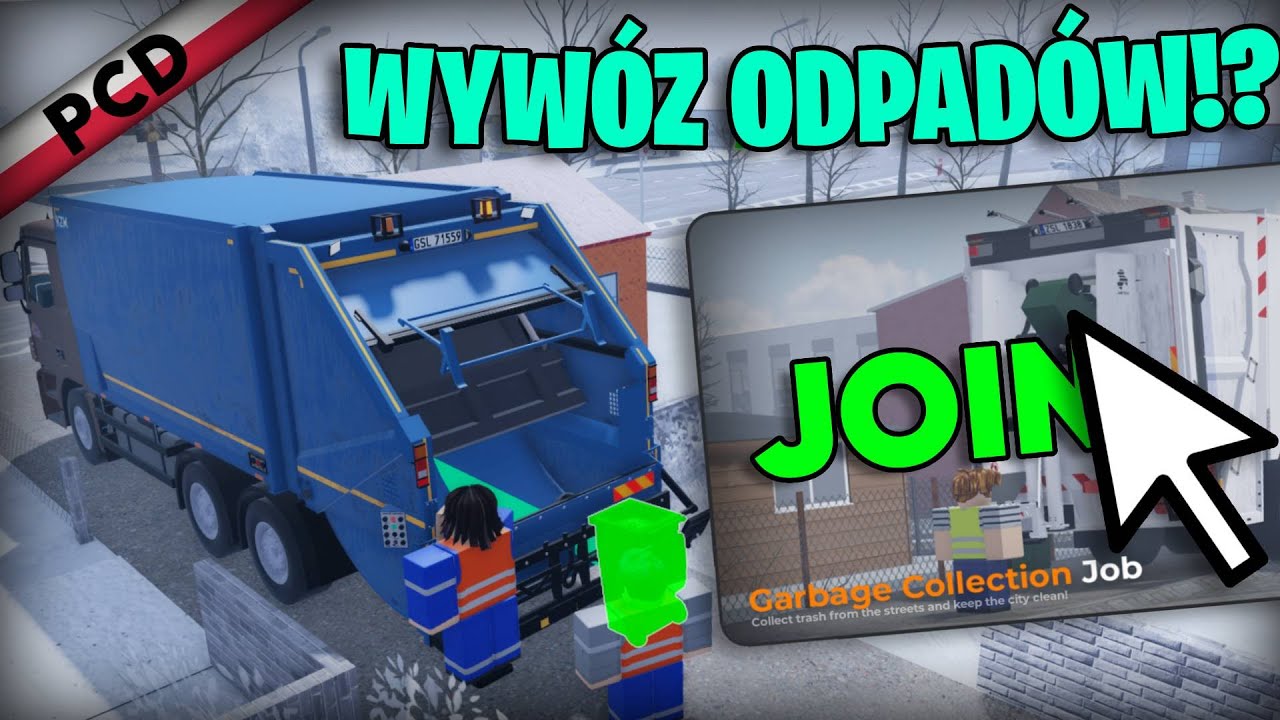
Collect Garbage For Fun Roblox NoFilter. Roblox Collect Garbage For Fun YouTube . Working For Waste Management With Matthew Ft CR R Maker Roblox . Roblox Garbage Truck Game A Day In The Life Of A Garbage Truck Crew . Garbage Collection Nowa Praca Update 01 01 2025 Polish Car

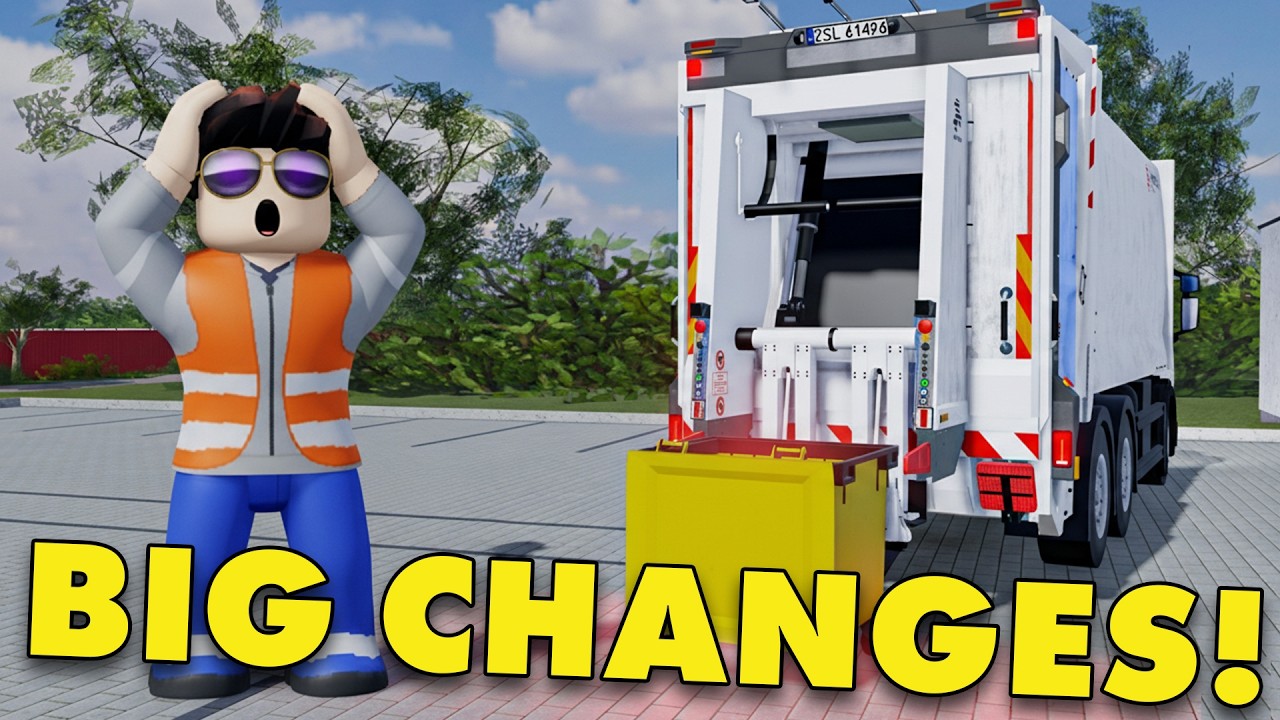



How To Make A Trash Collection Job For Your Game In Roblox Studio YouTube Hqdefault . MASSIVE UPGRADES To GARBAGE COLLECTION Roblox Polish Car Driving . The Most REALISTIC Garbage Collection Game On Roblox YouTube . Best Roblox Garbage Truck Simulator Collect Garbage For Fun NEW Update . Collect Garbage For Fun Roblox Preview




Is Roblox Trash The Real Talk For 2026 Latest. Fairfax County Garbage Truck Sim Play On Roblox NoFilter. Is Roblox Trash The Real Talk For 2026 Roblox Garbage Collector Sim . Be A GARBAGE MAN Roblox NoFilter. Is Roblox Trash The Real Talk For 2026





ROBLOX Trash Game Codes June 2026 UPDATED MrGuider Roblox Trash Game Codes . 2026 Garbage Collection Schedule Orange City Council GARBAGE COLLECTION SCHEDULE 2026 FINAL Copy . 2026 Holiday Garbage Collection Schedule City Of Graham NC Website 2026 Holiday Garbage Collection Schedule 1080x650 . Garbage Collection London Ontario And Get R Gone 2026 Garbage Collection London Ontario. Region Of Peel Waste 2026 Changes Coming Webpage Banner.JPG



2026 Garbage Recycling Collection Schedules Available Xblog Crop 12 16 2025 Photo 2026 Garbage Recycling Collection Schedules Available 9VeC . Garbage Recycling And Composting Town Of Aurora 2026 Page 2 . Is Roblox Trash The Real Talk For 2026 . How To Message On Roblox 2026 A Quick Guide SL1500 . Definitive Guide To Roblox 2026 TM 07169 AU 19 60 Football Heaven TM 07169 Definitive Guide To Roblox 2026
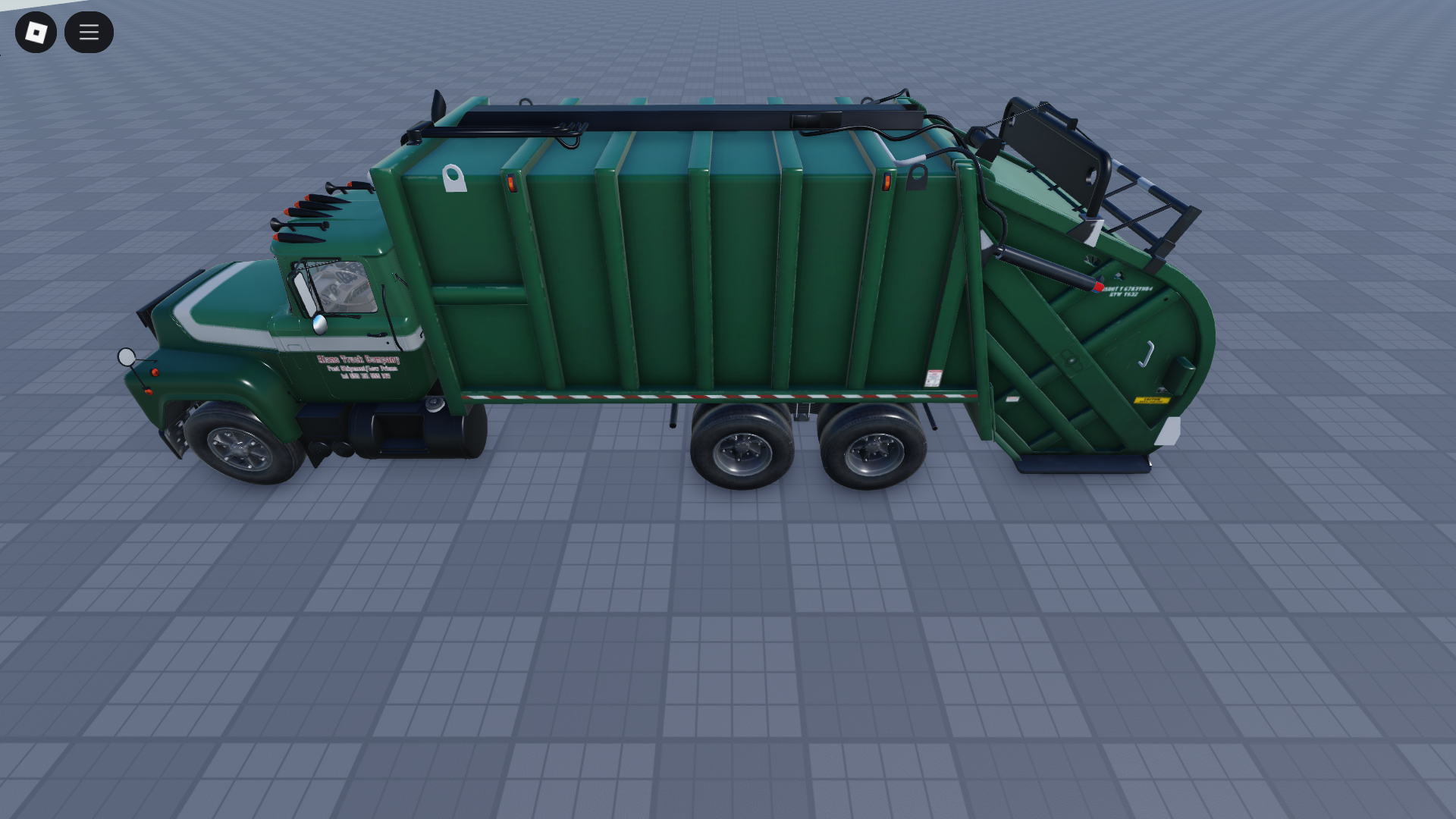

Drivable Garbage Truck V1 Roblox Vehicle Asset O . Industrial Garbage Why Does This Waste Stream Matter 2026 Waste Recycling Calendar 01 . Green Waste Collection S10 New Roblox Game YouTube . Town Check Your Mailboxes The Town S 2026 Garbage Guide Is In A Media. Roblox Garbage Trucks Waste Management Mack LE And CCC Garbage Trucks